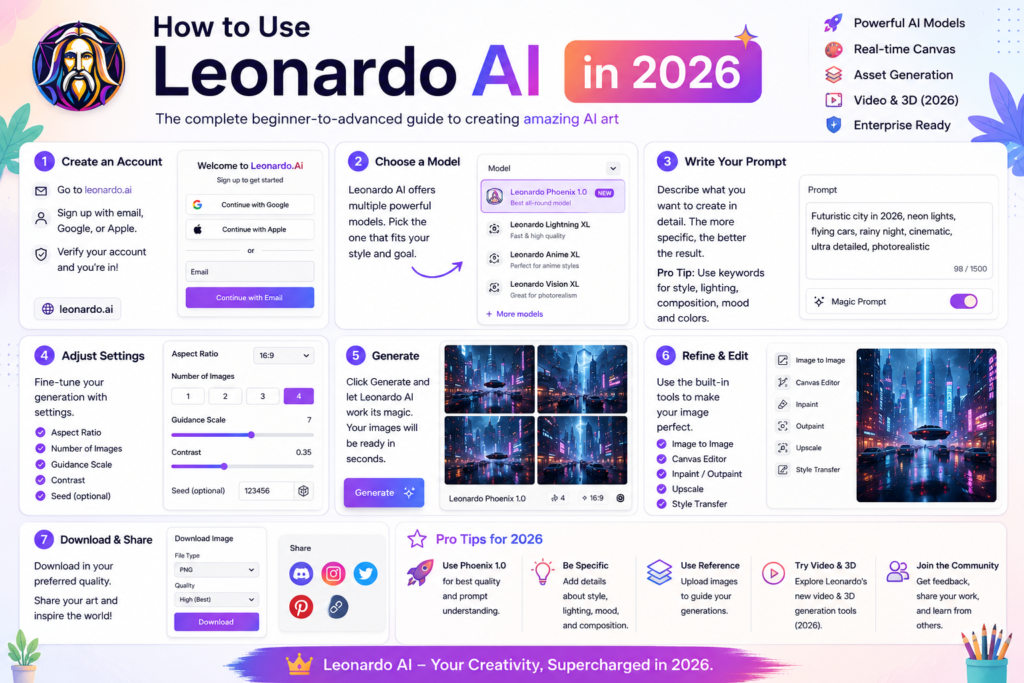
How to use Leonardo AI in 2026
+
Table of Contents
Being a professional designer, I am working with many clients. Many of these clients have very tough requirements. Sometimes, they request content that I cannot find in stock photos. Then I have to create it through software, and it takes me a lot of time.
In such situations, I once tried Leonardo AI, and its results truly amazed me. The kind of realistic images it generated in seconds would take me hours to create using traditional software. It produced the exact content I needed within seconds.
Let me share my experience with it and how you can use it.
What is Leonardo AI
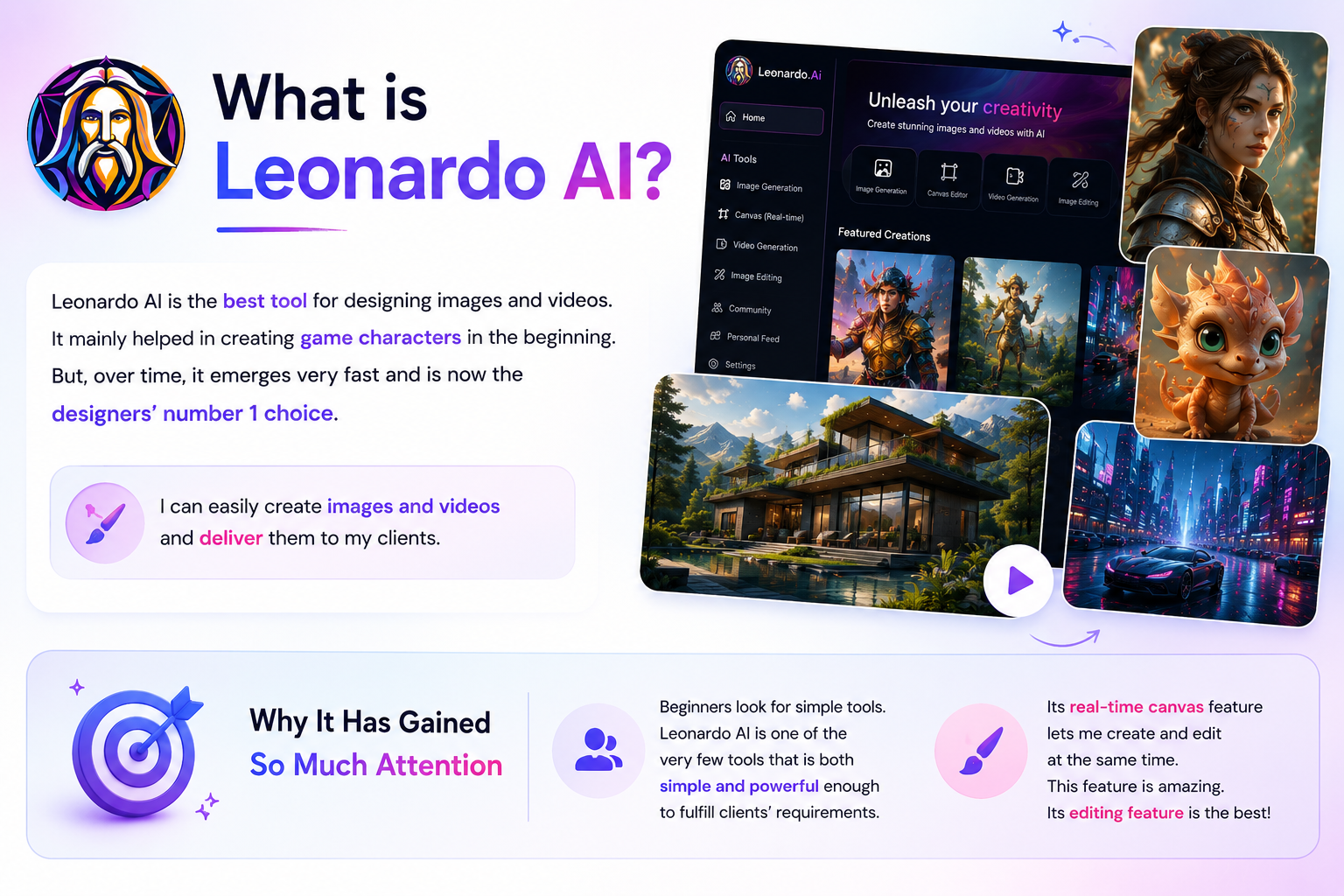
It is the best tool for designing images and videos. It mainly helped in creating game characters in the beginning. But, over time, it emerges very fast. Now it is the designers’ number 1 choice. I can easily create images and videos and deliver them to my clients.
Why It Has Gained So Much Attention
Beginners are always looking for simple tools. And there are very few tools in the market that are both simple and capable of fulfilling clients’ requirements.
Personally, I really liked its real-time canvas feature. With it, I can create images and edit them at the same time. This feature is amazing. Although there are many things that people love, its editing feature is the best.
Features That Actually Matter for Beginners
This tool has added many features since its launch. Its image generation feature is especially impressive. I just need to give a text prompt, and it creates a high-quality image.
After generating the image, it also provides editing options so I can refine it according to my client’s requirements. I have noticed that writing a good prompt is very important. The more accurate result we get if you give a good description.
With the help of this tool, I can even improve my prompt writing. For example, one of my clients asked me to create an image related to a futuristic city. When I gave a simple command like “futuristic city,” it started suggesting different ideas as well, such as adding flying cars, cinematic scenes and advanced structures.
Creating Your First Image
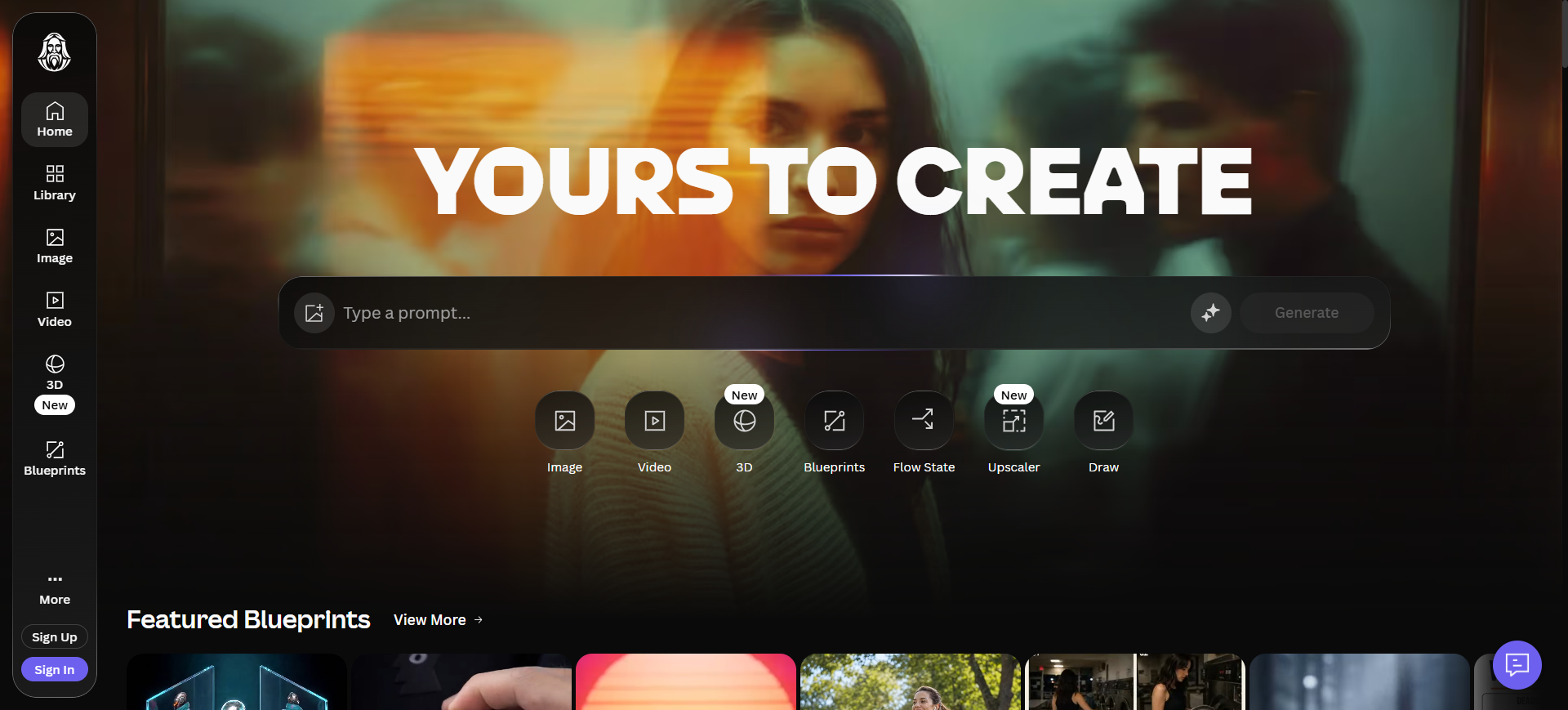
You will need to create an account if you also want to create images. It’s very easy. You just have to follow a simple sign-up process. You can make an account in a few minutes.
You will not find any complex things in its dashboard. Here you’ll see an option to write your prompt. That allows you to easily generate your first image.
Common Mistakes Beginners Make
When I created my first image through this tool, I didn’t have an idea about how to write prompts. But over time, I learned how to write them and understood the concept. That’s when I became able to create high-quality images.
This is one of the biggest mistakes beginners make. They start working without understanding the concept of prompts. It’s important to first understand how prompting works and then practice it with different projects.
How Much Does Leonardo AI Cost
In the beginning, I started using the free version because I didn’t know much about this tool and just wanted to experiment. But in the free version, you only get a limited number of tokens. But these are enough for initial use.
Later, I switched to the paid plan to use its complete features. It offers different pricing plans. You will get premium models and a large number of tokens in these paid plans.
| Name | Best For | Price | What It Provides |
| Free | Beginners can use it to test the tool. | $0 | It provides limited daily tokens. |
| Apprentice | Bloggers preferred this plan. | $12/month | Because they required a bit more daily tokens to create blog post feature images. |
| Artisan | Professional freelancers like me use this plan. | $30/month | They provide us with a higher number of tokens along with premium models. |
| Maestro | Only big agencies go for Maestro. | $60/month | Agencies have a heavy workload, which is why they want to access all premium features. |
I would suggest that you should not start directly with the paid version. Until your mind is able to achieve good results. It is important to go through the learning process first. This is a psychological factor that you should understand.
How teams work on it
This tool is actually designed for teamwork. I also have to work with my team members and keep everyone aligned. There is a team feature in its dashboard that helps me a lot. Through this, we all work on the same project together. Often, one of my team members starts a task, and in the end, I handle the editing and finalize it.
Also Read- Common Challenges of AI Procurement Solutions and How to Overcome Them
Best Alternatives
By the way, many other platforms in the market offer very good services. Some of them even manage team features in a better way. But I personally prefer this tool. Below are some tools that you can use as alternatives.
- Midjourney
- ChatGPT Image Generator
- Adobe Firefly
- Ideogram
- Canva AI
Bottom line
Competition for designers is increasing day by day. I have personally experienced this. Clients do not give you much time and often consider your competitors. That’s why you need to constantly upgrade yourself in every aspect.
I have also used Leonardo AI to complete many of my projects on time and deliver them successfully to clients. You should also choose tools that speed up your work while maintaining quality.