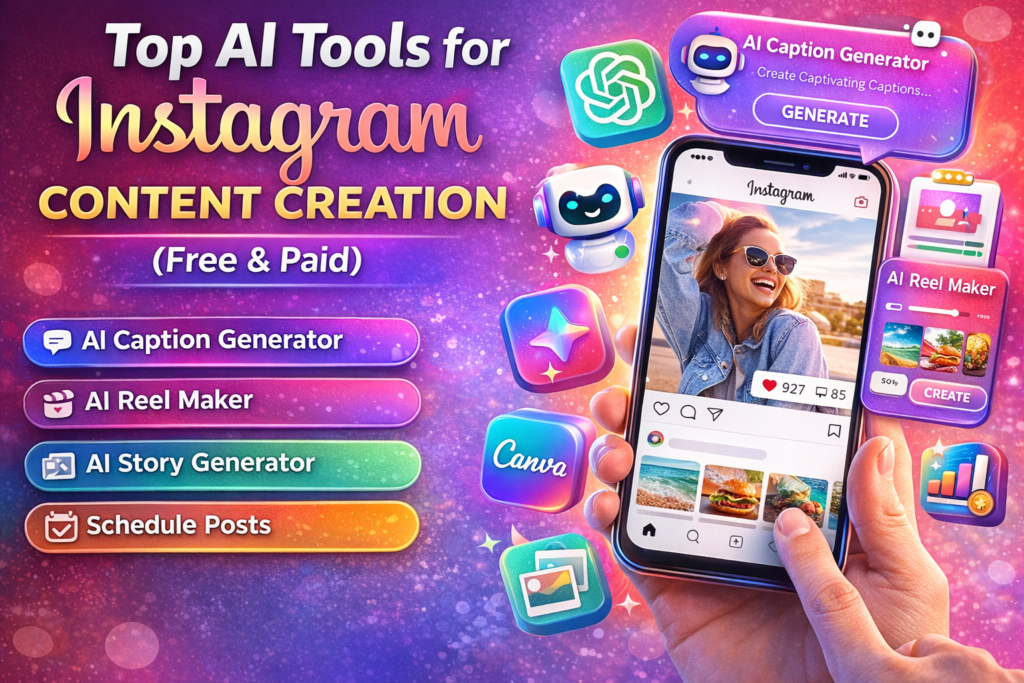
Top AI Tools for Instagram Content Creation (Free & Paid)
+
Table of Contents
- 1 Benefits of AI Tools for Instagram Content Creation
- 2 Top 10 AI Tools for Instagram Content Creation
- 2.1 1. Canva
- 2.1.1 Advantages
- 2.1.2 Limitations
- 2.1.3 Pricing
- 2.2 2. Predis.ai
- 2.2.1 Advantages
- 2.2.2 Limitations
- 2.2.3 Pricing
- 2.3 3. Adobe Express
- 2.3.1 Advantages
- 2.3.2 Limitations
- 2.3.3 Pricing
- 2.4 4. CapCut
- 2.4.1 Advantages
- 2.4.2 Limitations
- 2.4.3 Pricing
- 2.5 5. VEED.AI
- 2.5.1 Advantages
- 2.5.2 Limitations
- 2.5.3 Pricing
- 2.6 6. Mojo
- 2.6.1 Advantages
- 2.6.2 Limitations
- 2.6.3 Pricing
- 2.7 7. Flick
- 2.7.1 Advantages
- 2.7.2 Limitations
- 2.7.3 Pricing
- 2.8 8. Ocoya
- 2.8.1 Advantages
- 2.8.2 Limitations
- 2.8.3 Pricing
- 2.9 9. Picsart
- 2.9.1 Advantages
- 2.9.2 Limitations
- 2.9.3 Pricing
- 2.10 10. Midjourney
- 2.10.1 Advantages
- 2.10.2 Limitations
- 2.10.3 Pricing
- 2.11 Instagram Content Creation AI Tools at a Glance
- 3 Quick Summary
Instagram is a growing platform for business promotion and personal branding. Almost everyone creates an Instagram account and tries to promote their business and build their personal brand.
I believe the most important thing for success on Instagram is high-quality content. For this, you can take help from AI tools.
Over the past few years, we’ve seen that people who use AI tools are creating better content and growing their businesses faster.
In this article, I’m going to introduce some of the top tools that can help you improve your Instagram content. Some of these tools are free, while some offer full features in paid versions.
Let’s first understand why AI tools are important for Instagram content creation.
Benefits of AI Tools for Instagram Content Creation
Earlier, when AI tools were not available, people had to do everything manually, like editing videos, creating images, and writing captions. That took a lot of time.
Another benefit is that they bring professional quality to your content. You can create posts according to your brand theme that better connect with your audience.
These tools also give you creative ideas, which help you make even better posts.
Now let’s talk about the tools:
Top 10 AI Tools for Instagram Content Creation
1. Canva

Best For: Easy graphic design for posts and stories
It is one of the best and easiest tools and has many advanced features. You can use this tool for background removal and image enhancement
Advantages
It offers thousands of templates for Instagram posts that make your work easier.
You can customise these templates according to your requirements.
Limitations
Some advanced templates and features are only available in the paid version. Sometimes, design looks the same because a large number of people use this tool.
Pricing
Its basic features are free, and the pro version costs you $12.99 per month.
2. Predis.ai
Best For: AI-generated posts and captions
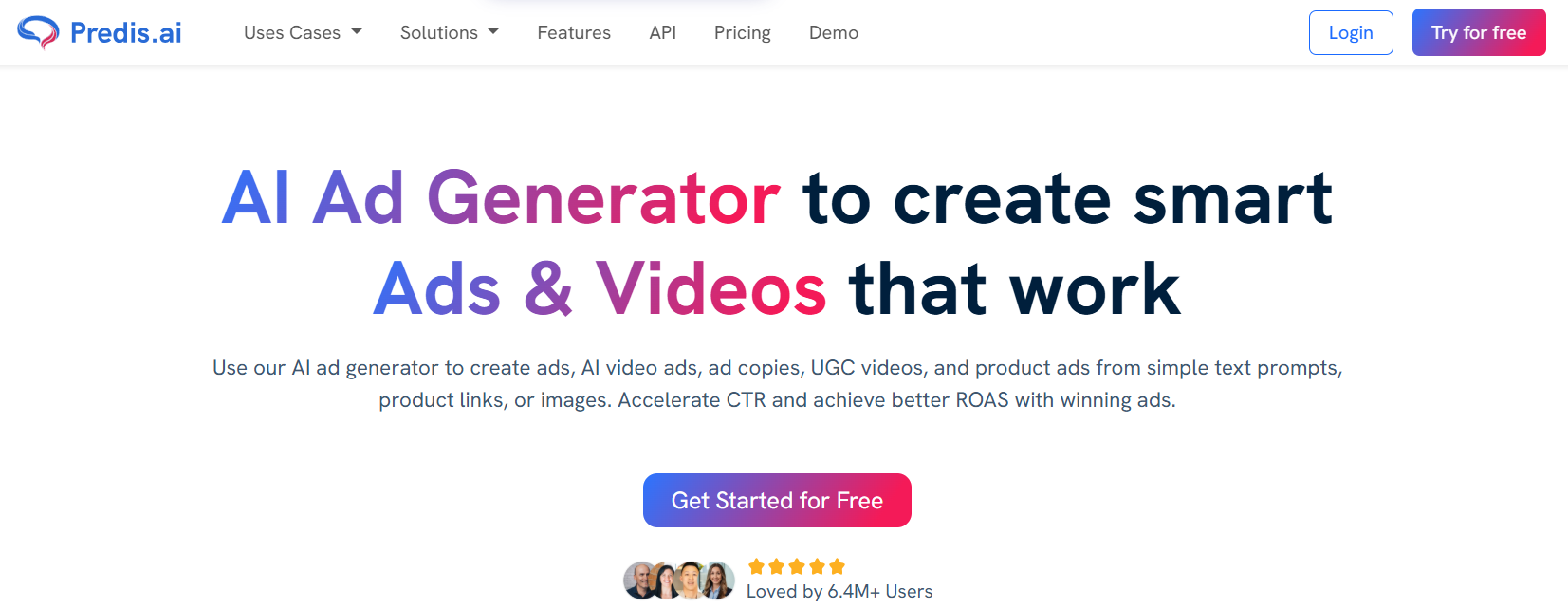
Predis.ai is a great AI tool for generating posts and captions. It creates captions that help your audience understand your content better.
Advantages
It’s easy to use—you just give it a script, and it creates a post with captions.
Predis.ai helps you create complete Instagram posts with captions and hashtags. You just enter a topic, and it generates content automatically.
Limitations
Sometimes the content feels a bit generic, so I need to edit it before publishing. Also, the free version has limited credits.
Pricing
It has a free version for beginners, and the Pro plan is around $15 per month.
3. Adobe Express
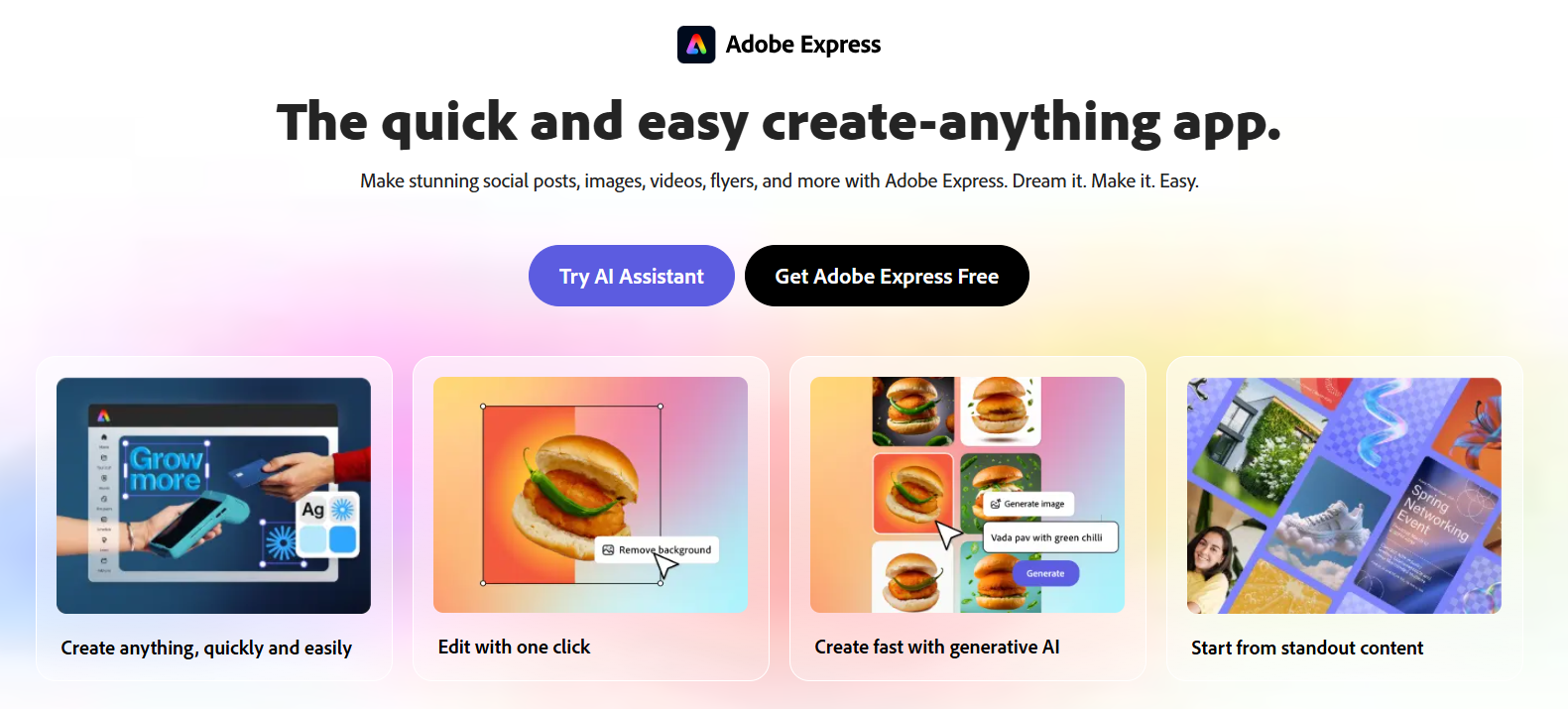
Best For: High-quality branded content
It is a professional tool that creates high-quality branded content. Big companies use this tool for their content creation.
Advantages
It’s best for businesses that want professional-looking posts.
Limitations
It can be slightly difficult for beginners compared to Canva. Advanced features require a paid subscription and can be a bit complex for beginners.
Pricing
It offers basic features free of cost, and you only have to pay $10 per month for its advanced features.
4. CapCut
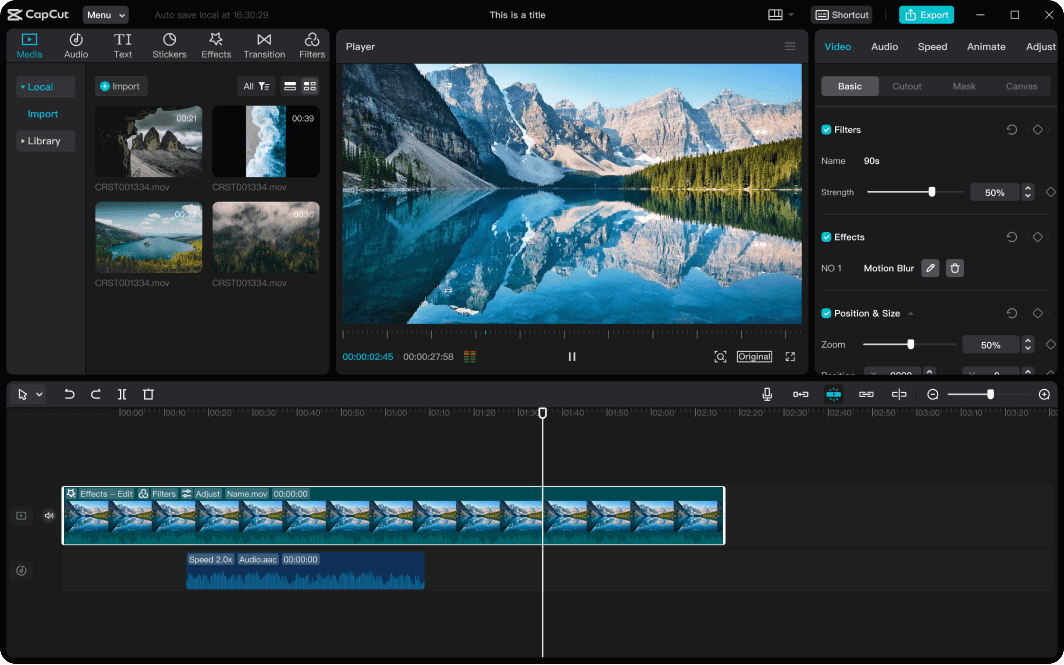
Best For: Editing Instagram Reels
It is a great AI tool for video editing and helps you make your videos more attractive and engaging.
Advantages
CapCut is perfect for creating short videos and editing short videos. It offers:
- auto captions
- Transitions
- Effects
- trending templates
It is very popular among content creators for making viral reels.
Limitations
It’s slightly more difficult than Canva, but once you learn it, it will be very easy to use.
Pricing
It has free features, and the Pro version costs around $10–$15 per month.
5. VEED.AI
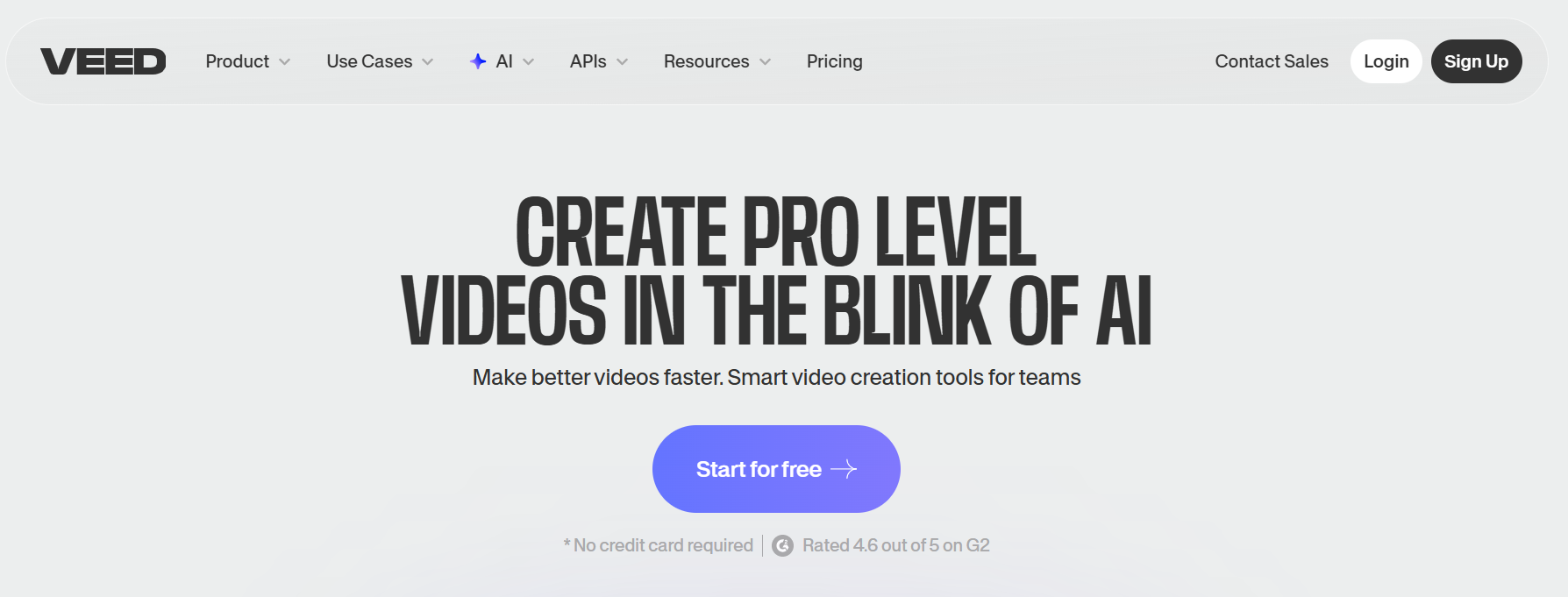
Best For: Online video editing with subtitles
It is very helpful for editing online videos and creating subtitles. Video editing can be complex, but this tool makes it easy. (around $12 per month).
Advantages
It is a browser-based video editor that allows you to:
- Add subtitles,
- edit audio
- Create professional videos.
Limitations
The free version adds a watermark that requires the paid version to remove it.
Pricing
Free plan available. Paid plans start from around $12 per month.
6. Mojo
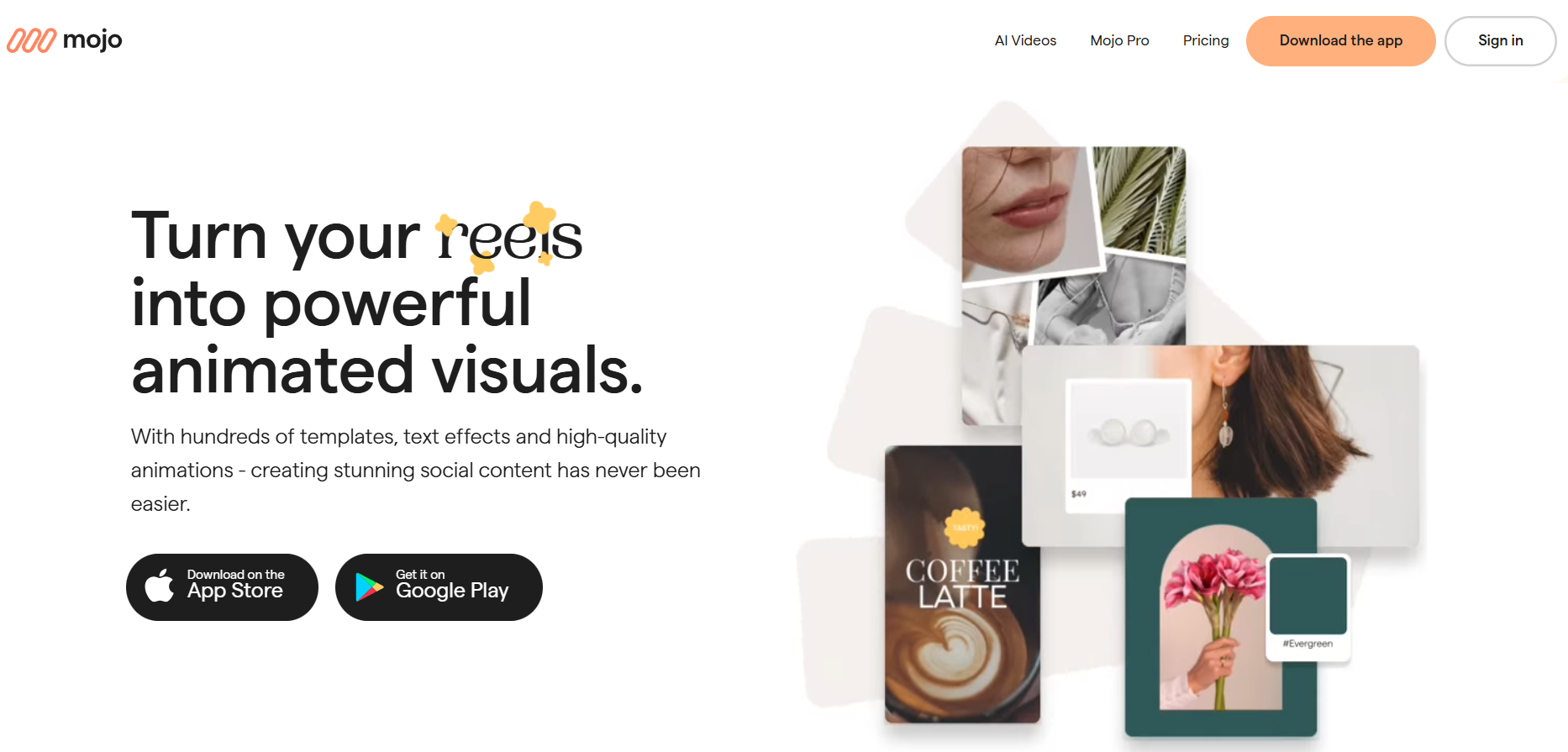
Best For: Animated Instagram stories
It is perfect for creating animated Instagram stories. You just give a script, and it creates animated stories.
Advantages
It has many templates that make your stories more engaging.
Limitations
Some templates require a premium plan.
Pricing
The basic version is free, and the Pro version costs around $8–$10 per month.
7. Flick
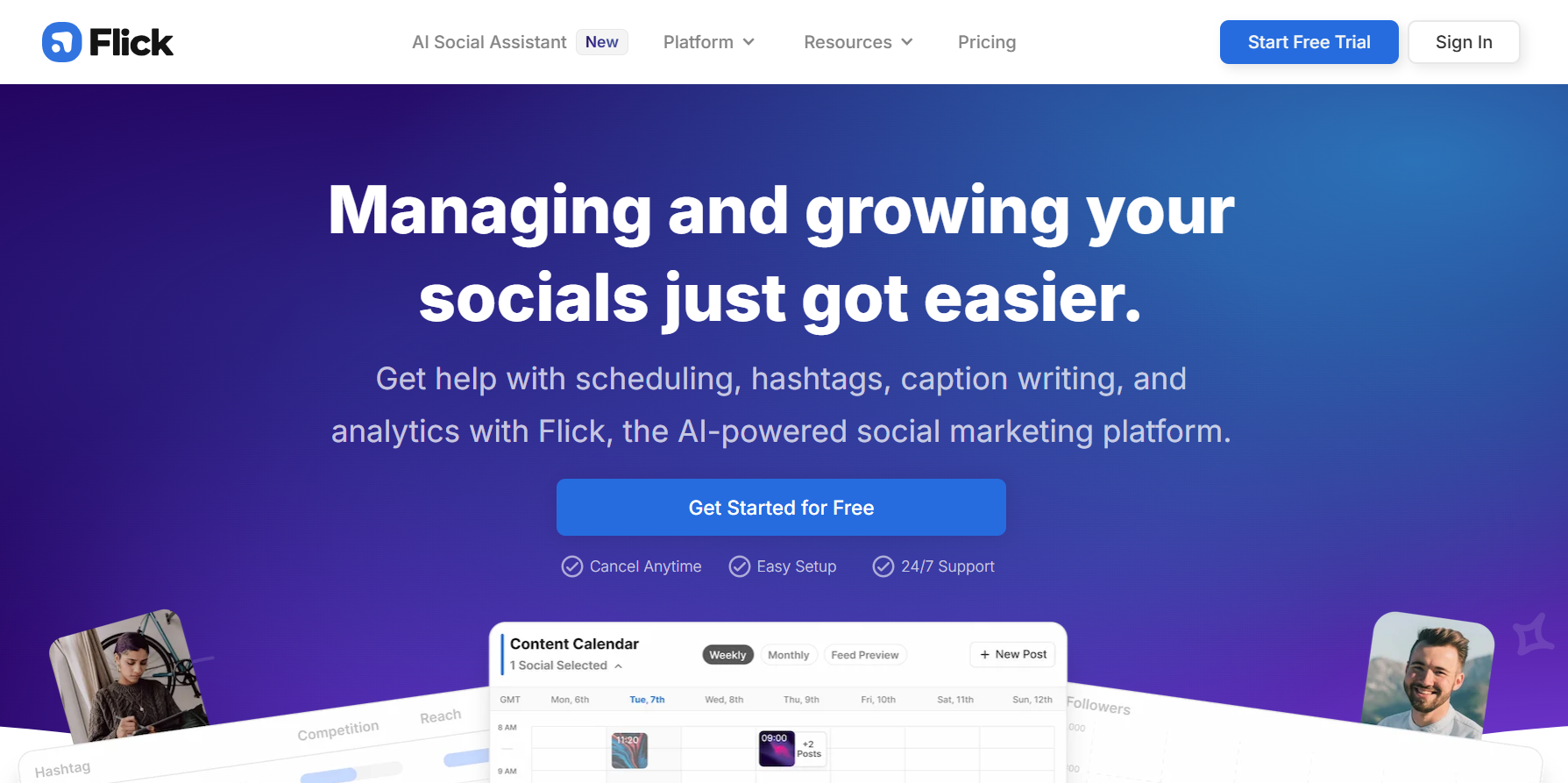
Best For: Hashtag research and captions
It is an AI tool that helps your Instagram posts rank better. It does hashtag research and suggests the best captions. Ranking on Instagram is every creator’s dream, and this tool makes it easier.
Advantages
Flick helps you find the best hashtags and write captions using AI. This improves your reach and engagement on Instagram.
Limitations
It focuses mainly on hashtags and captions, not full content creation. Some features may feel limited for advanced users.
Pricing
It has a free version, and a paid plan is around $14 per month.
8. Ocoya
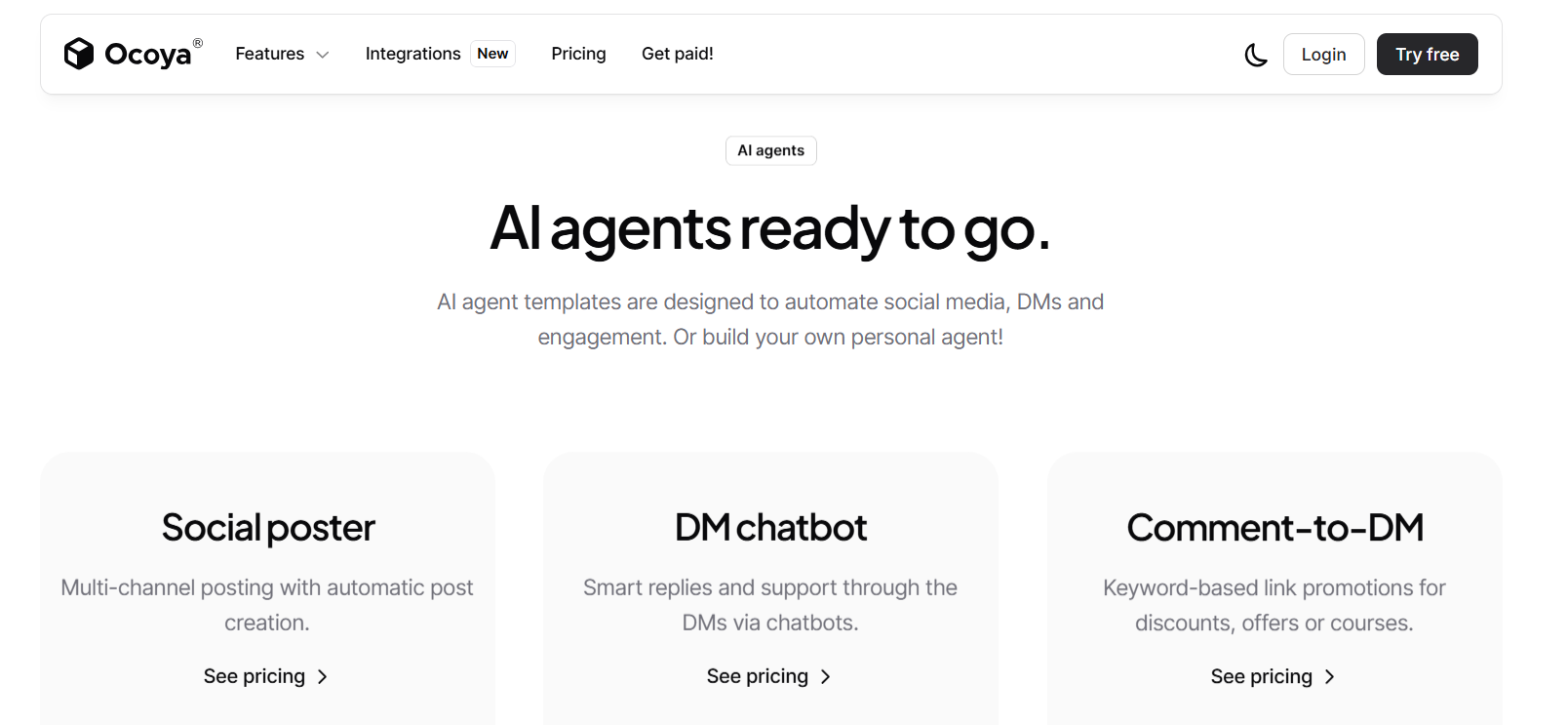
Best For Content creation and scheduling
Ocoya helps with content creation and scheduling posts. Instead of posting daily, you can schedule your content weekly or monthly, which saves a lot of time. It may feel complex at first, but you get used to it. Paid plans start from $15 per month.
Advantages
Ocoya combines AI content creation with scheduling. You can design posts, write captions, and schedule them in one place.
Limitations
The interface can feel complex for beginners. The free plan is limited.
Pricing
Paid plans start around $15 per month.
9. Picsart
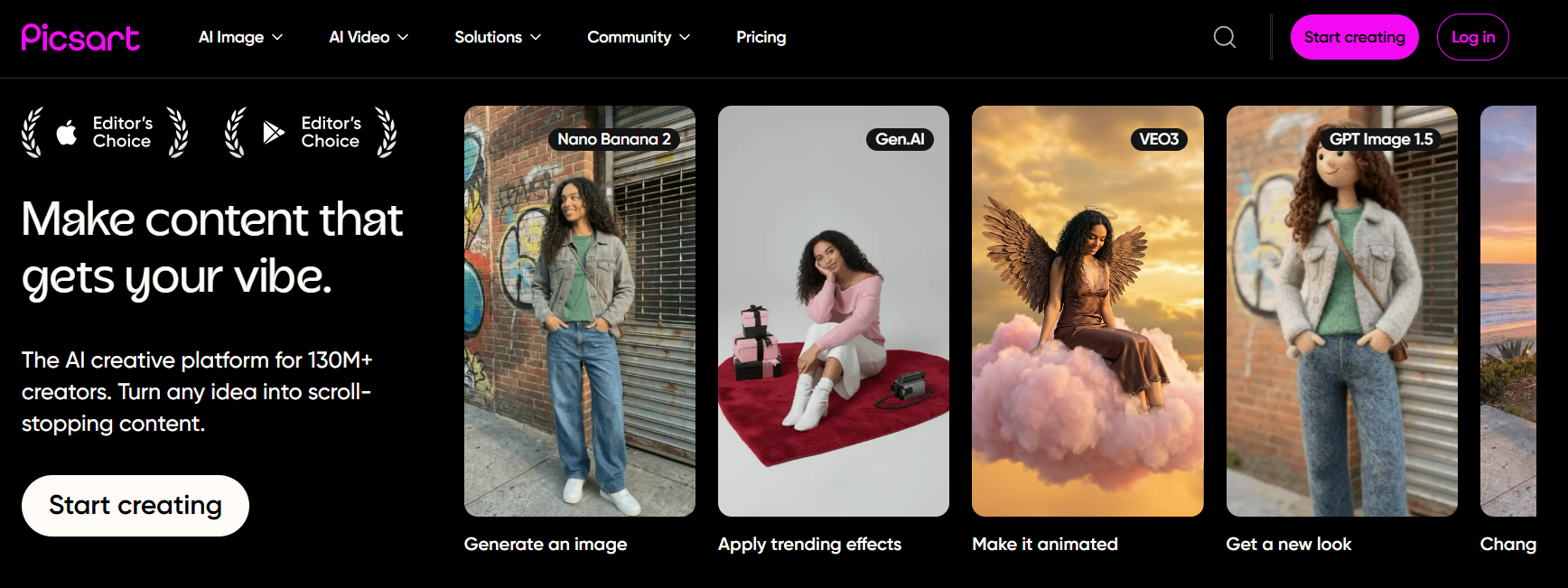
Best For Photo editing and creative designs
Pixlr is popular for photo editing and creative design. It helps you enhance your images and make them more attractive. It also gives creative ideas to improve your content. The free version has limited features, while the Pro version costs around $11.99 per month.
Advantages
Picsart offers powerful editing tools, filters, and AI effects. It is great for making unique and creative Instagram posts.
Limitations
Free version includes ads. Some features are locked behind the premium.
Pricing
Free version available. Picsart Gold costs around $11.99 per month.
10. Midjourney
Best For: AI-generated Art Work
It is an amazing tool for artists. If you want to create unique artwork for Instagram, this is a great option.
Advantages
It gives very creative ideas and helps you showcase your art.
Limitations
The only limitation is that it works through Discord and doesn’t have a free version. It costs around $10 per month.
Pricing
Paid plans start from around $10 per month.
Instagram Content Creation AI Tools at a Glance
| Name | Best For | Pricing |
| Canva | Design templates | Free / $12.99/mo |
| Predis.ai | AI posts | Free / $15/mo |
| Adobe Express | Branding | Free / $9.99/mo |
| CapCut | Video editing | Free / $7–10/mo |
| VEED | Subtitles | Free / $12/mo |
| Mojo | Story design | Free / $8–10/mo |
| Flick | Hashtags | $14/mo |
| Ocoya | Scheduling | $15/mo |
| Picsart | Photo editing | Free / $11.99/mo |
| Midjourney | AI images | $10/mo |
Quick Summary
I believe Instagram is one of the best platforms for personal branding and business promotion. Creators who use AI tools are moving ahead of those who don’t.
I recommend that you learn and use them properly to improve content quality.
FAQs
-
Are these tools safe for Instagram content creation?
Yes, these tools are safe and help creators do their work faster and more easily.
-
Can I use AI tools for my Instagram posts?
There is no restriction. In fact, it helps you improve quality and save time.
-
Which tool is best for beginners?
I believe Canva is the best. It’s simple, free, and very easy to use.
-
Do AI tools help increase followers?
If your content quality improves, then your followers will naturally grow.
-
Do paid tools offer more features?
Yes, they do. But I recommend starting with free versions first, and then upgrading when needed.