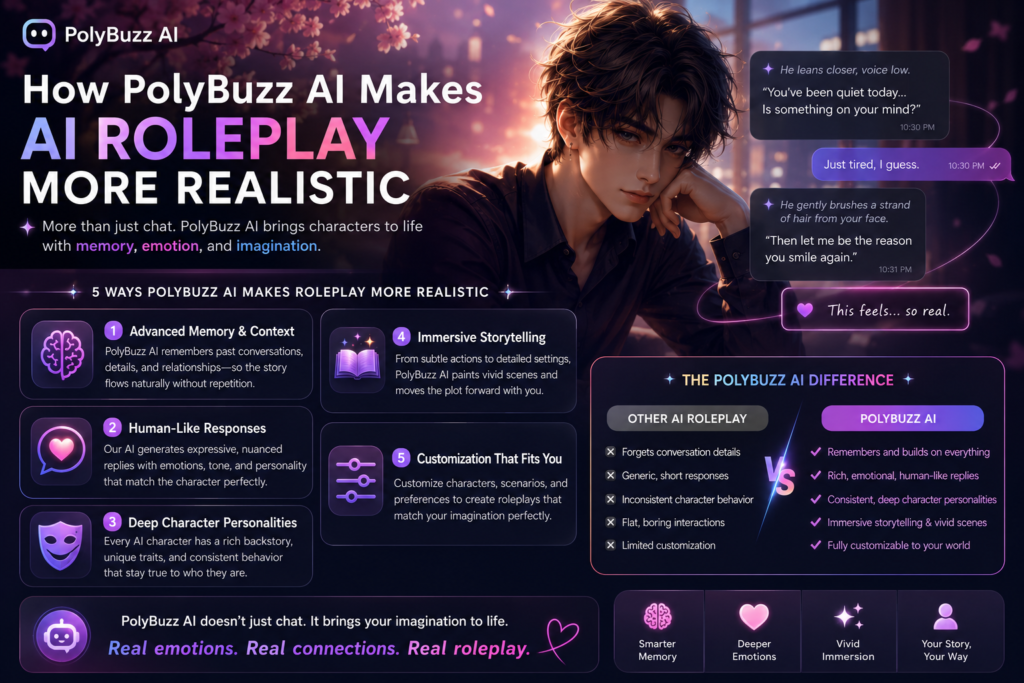
How PolyBuzz AI Makes AI Roleplay More Realistic
+
Table of Contents
- 1 What is PolyBuzz AI?
- 2 How I Set Up My PolyBuzz AI Account
- 3 Features That I Like Most in PolyBuzz AI
- 3.1 Create an Image
- 3.2 Create a Personal AI Character
- 3.3 You Can Join AI Communities
- 3.4 Why Technical Knowledge Still Matters in PolyBuzz AI
- 3.5 Start from Scratch for Better Results
- 3.5.1 How Much It Costs You
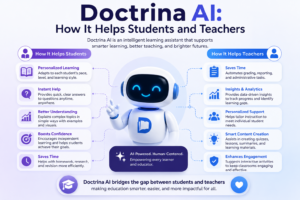
- 3.6 Also Read- Doctrina AI: How It Helps Students and Teachers
- 3.7 Best Alternatives to PolyBuzz AI
- 4 Final Verdict for PolyBuzz AI
This world is now full of AI characters. Since they arrived, they have created a lot of convenience for people. Now everyone is trying to create their own personal AI character.
They can use it for many purposes. For example, if you are a businessperson, you can create your own AI character and use it as an assistant.
I have used many tools that create amazing AI characters. One of the important names among them is PolyBuzz AI. I have been very impressed with its services, and I have personally been using it for quite a long time.
Now let me tell you about it in detail.
What is PolyBuzz AI?
It is an amazing platform where you can create different AI characters. It can be a cartoon character or a movie character. It all depends on you and the type of character you want to create.
My First Goal with PolyBuzz AI
When I started working on it, I also had some ideas in mind. For example, I wanted to create a personal assistant that could help me with my business tasks. In this tool, I found all the options I needed to create a character according to my preferences.
Why PolyBuzz AI Caught My Attention
When I started working on this tool a few years ago, it was very confusing in the beginning. It was a new concept in the market, and people did not know much about it.
But I have a habit that whenever something new comes into the market, my curiosity increases. Until I understand it completely, I keep following it. I did the same with this tool. I wanted to learn PolyBuzz AI in detail and create my own personal assistant through it.
How I Set Up My PolyBuzz AI Account
When I started using this tool, I was able to create an assistant very easily that completely changed my professional life.
First of all, you will need to create an account. Simply visit its official website and create an account through the sign-up process.
It is not very difficult. You just need to follow a few simple steps, and you will be able to create your account.
Its dashboard is very interactive, and you can understand everything quite easily.
Problems I faced at the start
I faced some problems in the beginning because I did not have much knowledge about such technologies. But over time, I did not give up and kept practicing. One day came when I became a master at it.
Personalizing Your AI Character
You will find many customization features in it. This means you do not have to work from scratch. You can simply select a template of your choice and start working.
It is not necessary to follow the template exactly as it is. You can make changes according to your preferences and create an AI character based on your requirements.
Features That I Like Most in PolyBuzz AI
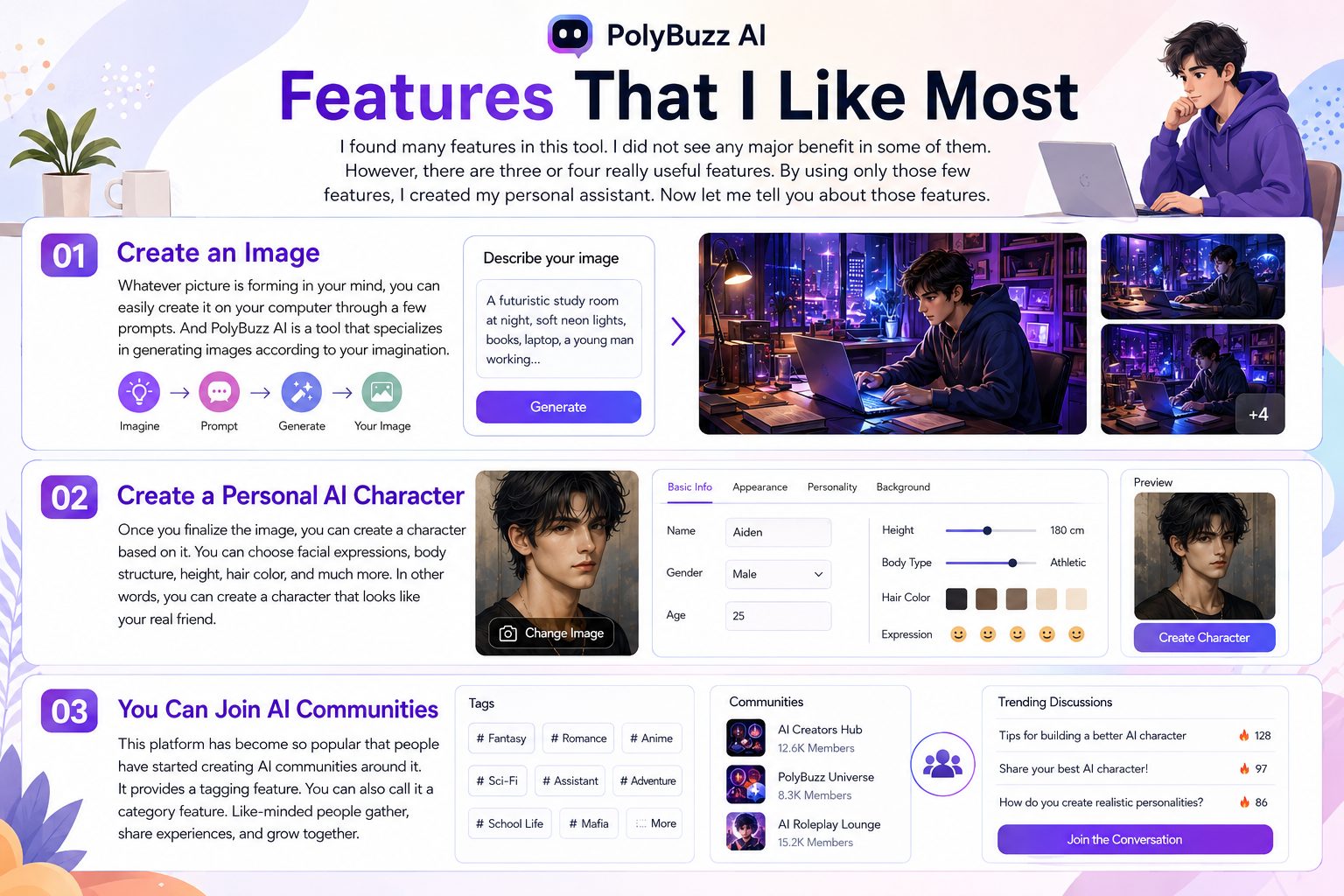
I found many features in this tool. I did not see any major benefit in some of them. However, there are three or four really useful features. By using only those few features, I created my personal assistant. Now let me tell you about those features.
Create an Image
Before creating a character, you first need to have an image in your mind. That image stays in your mind only as long as you can remember it. But how good would it be if you could bring the images from your imagination onto your laptop, even without any artistic knowledge?
Because we all know that usually only an artist can transfer a picture from the mind onto a canvas. But here the story is completely different. Whatever picture is forming in your mind, you can easily create it on your computer through a few prompts.
And PolyBuzz AI is a tool that specializes in generating images according to your imagination.
Create a Personal AI Character
After that comes the stage of creating your personal AI character. Once you finalize the image, you can create a character based on it. Select a template of your choice and create a character according to that image.
You can choose facial expressions, body structure, height, hair color, and much more. In other words, you can create a character that looks like your real friend. The stronger your connection with it, the better work you will be able to get from it.
You Can Join AI Communities
This platform has become so popular that people have started creating AI communities around it. It provides a tagging feature. You can also call it a category feature. While creating a character, you can select a tag of your choice so that you can become part of a specific community.
Many people around the world create such characters, and when like-minded people gather in one place, they can share their experiences. The more they share their experiences, the easier it becomes for them to move forward.
Why Technical Knowledge Still Matters in PolyBuzz AI
It is not that this platform has no problems. I faced many issues in the beginning while trying to create my assistant. Sometimes errors occur that you need to resolve.
For example, if you want to perform personalized editing, it may struggle to understand your commands. Artificial intelligence has many benefits, but it also comes with challenges.
You should have some technical knowledge so that you can give proper commands and create a personal assistant according to your requirements.
Start from Scratch for Better Results
Whenever you create a character, start from scratch. Although you will find many templates in it, starting from scratch will make things easier for you.
The time you spend editing templates can be better spent creating your own version. Follow each step carefully, and by following this process, you will face far fewer errors.
The good thing is that when you create something with your own hands, you know exactly where the error is occurring. Then you can remove that error easily.
How Much It Costs You
Although it offers its basic features free of cost, I am not very impressed with the free features. They are quite limited and do not provide anything special.
It is better to use the paid version. There are different paid plans available, such as Standard and Premium versions. These plans start from $9.90 per month and go up to almost $30 per month.
In the beginning, it is better to go with the Standard version, which costs $9.90 per month.
| Plan | Approximate Cost |
| Free | $0 |
| Standard | $9.90/month |
| Premium | $19.90/month |
| Ultimate (in some app stores) | $29.90/month |
Also Read- Doctrina AI: How It Helps Students and Teachers
Best Alternatives to PolyBuzz AI
This is not the only tool that offers such services in the market. There are many other tools that I have personally used as well. However, most of them do not fulfill your specific requirements. Among the better tools that I have experienced, a few names are as follows:
- Character.AI
- Replika
- Janitor AI
- Chub AI
- CrushOn.AI
Final Verdict for PolyBuzz AI
I believe that just as this world is moving forward rapidly, we should move forward with it as well. It is the need of the time because without it, we will be left behind.
AI characters are something that allows you to create an assistant according to your own needs. Whether you are a student, you can create an assistant that helps you with your studies.
Since I am a business professional, I need an assistant who helps me manage my business activities. For that purpose, I researched many tools and created a personal assistant that helps me with my business matters.