
10 Best AI Tools for Email Writing and Replies (Free Options)
+
Table of Contents
- 1 Best AI Tools for Email Writing and Replies
- 1.1 1. WriteSonic
- 1.1.1 Free Plan
- 1.1.2 Lite Plan
- 1.1.3 Standard / Starter Plan
- 1.1.4 Professional Plan
- 1.1.5 Advanced / Growth Plan
- 1.2 2. MailMaestro
- 1.2.1 Best For
- 1.3 Pricing Guide
- 1.3.1 Free Plan
- 1.3.2 Professional Plan
- 1.3.3 Team Plan
- 1.3.4 Enterprise Plan
- 1.4 3. WhitePanther
- 1.4.1 Pricing Guide
- 1.4.2 Starter Plan
- 1.4.3 Beta Founder Plan
- 1.4.4 Lifetime Pro Plan
- 1.4.5 Enterprise Lifetime Plan
- 1.5 4. Flowrite
- 1.6 Pricing Guide
- 1.7 5. Rytr
- 1.8 Pricing Guide
- 1.9 6. Smartwriter
- 1.10 Pricing Guide
- 1.11 7. HyperWrite
- 1.12 Pricing Guide
- 1.13 8. Compose AI
- 1.14 Pricing Guide
- 1.15 9. ProWritingAid
- 1.16 Pricing Guide
- 1.17 10. Copy.ai
- 1.18 Pricing Guide
- 2 Price Comparison Table
- 3 Quick Summary
Businesses are gaining advantages from auto email systems. These tools have not only made email writing professional, but they can now also make replies to each incoming email.
People who are not good at writing in a persuasive tone can benefit from it. In my opinion, email writing is an art. And this art can be learned over a period of time. A good email is required to capture the reader’s attention.
Professional business experts place a strong emphasis on this persuasive writing. These tools make their life easier.
There are many tools available in the market, and each offers unique features. I have personally tested several of them. And today I will share 10 such tools that you can use to your advantage.
Best AI Tools for Email Writing and Replies
1. WriteSonic

This is a tool that I find extremely helpful. It is best for writing cold emails. You can send a bulk of emails with a single click. It will handle your whole email campaign. As you know, engaging with each client is a difficult task. It will manage most of the replies itself.
Pricing Guide
Free Plan
You can use its free plan without a credit card. In this plan, you can access basic email templates and make emails up to 10,000 words.
Lite Plan
This plan costs around $49 per month. In this plan, you can write up to 15 articles per month and create a large number of emails.
Standard / Starter Plan
This plan costs about $99 per month. It allows you to write 40+ articles per month and create thousands of emails, along with automatic replies.
Professional Plan
This plan is designed for teams and costs around $249 per month. It includes email writing, article writing, and SEO tools. Using these features, you can run highly engaging email campaigns.
Advanced / Growth Plan
This plan is for professionals and costs about $499 per month. It is used for high-scale content production, allowing you to write around 200+ articles per month. It also includes advanced SEO strategies and premium email writing templates, helping you run email campaigns efficiently on a large scale.
2. MailMaestro
Best For
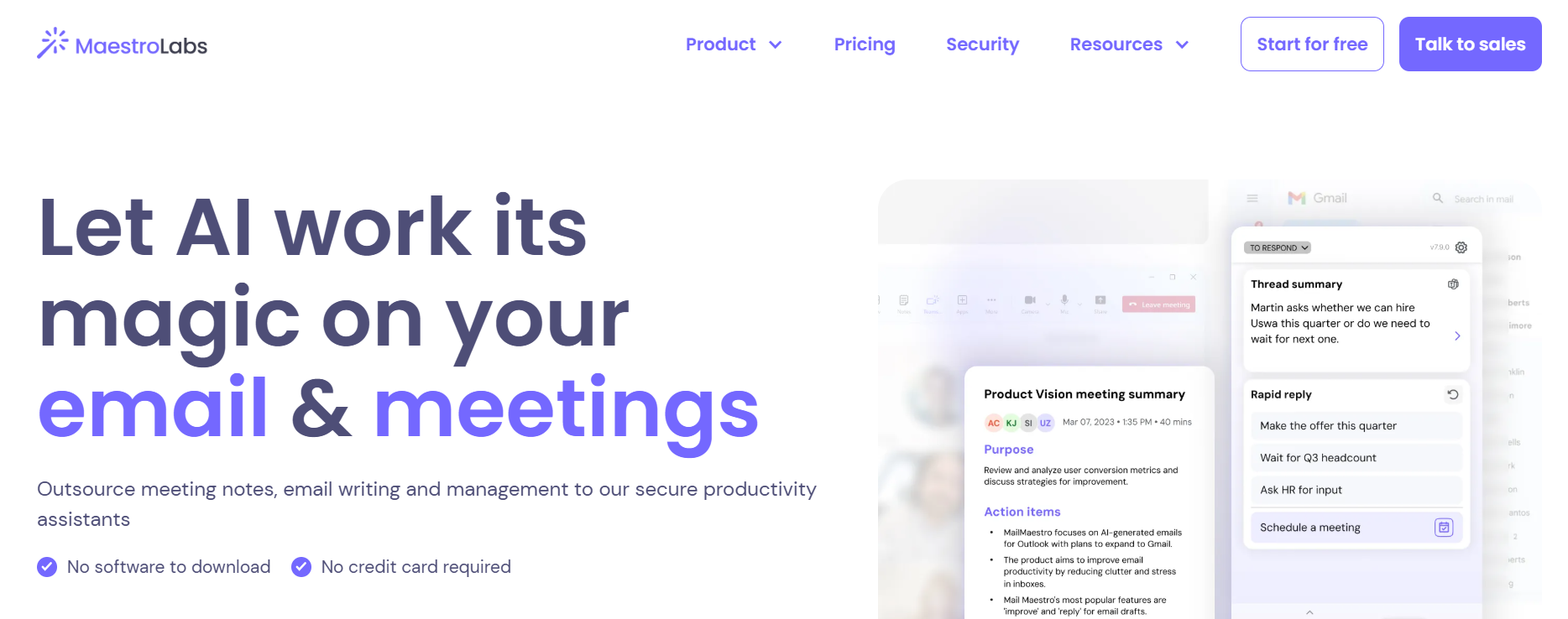
- It can write emails instantly.
- You can make replies with a single click.
- You can create a comprehensive summary of long email threads.
I have personally experienced this tool, and it really impressed me with its ability to summarize emails. For people who have a large number of clients and frequent email conversations with each one, it can prepare a summary with just one click. This makes it much easier to communicate with them.
Pricing Guide
Free Plan
It offers a free plan and does not require a credit card. But its free plan is limited, allowing you to prepare only three AI email responses.
Professional Plan
The Professional plan costs around $15 per month. In this plan, you can enjoy unlimited email writing and replies.
Team Plan
This plan is designed for teams and costs about $15 per user per month. With this plan, team members can collaborate, send emails to clients, and make automatic replies.
Enterprise Plan
This plan is for large organizations. It does not have a fixed cost; instead, pricing depends on usage. It includes advanced features such as enhanced security, SSO, and compliance, which are typically required by large organizations.
3. WhitePanther

This is a system that provides you with a centralized dashboard. Through which you can manage your entire email process in one place.
For example, if you are running a marketing campaign for a product through the Whitepanther, you will be able to see the complete process on a single dashboard. You can track how many emails you have sent. What is the client base? How many replies have you received? And who needs follow-up emails?
If all this information is presented to you in the form of a summary, then it becomes much easier to manage the whole process.
Pricing Guide
This tool also offers you a free plan, through which you can access limited emails. For unlimited access, you will need to switch to a paid plan. These paid plans are of four types.
Starter Plan
You can get this plan for $49, and its duration is six months. In this plan, one admin and three users can use the system.
Beta Founder Plan
This plan is available for $129, and its duration is also six months. In this plan, up to six users can use it at the same time.
Lifetime Pro Plan
You can get this plan for $299. It is a one-time payment, and you can access it for a lifetime. In this plan, up to 15 users can use it at the same time.
Enterprise Lifetime Plan
This plan is available for $599. You also get lifetime access with this plan. It allows up to 20 users to use it at the same time. This plan is mostly used by large enterprises.
4. Flowrite
Flowrite is designed especially for email writing. You just write a little detail, and it will create a complete email for you. It works well for business emails, follow-ups, and quick replies. It saves time and makes your emails sound professional.
Pricing Guide
Free Plan
It offers a limited free trial where you can write a few emails.
Paid Plan
The paid plan starts at around $15 per month. It allows unlimited email generation and advanced features.
5. Rytr
Rytr is an easy-to-use AI writing tool. It helps you create emails, replies, and even marketing content. You can choose tone, language, and purpose. It is a simple and fast writing tool. It is a good option for freelancers and small businesses.
Pricing Guide
Free Plan
You can generate up to 10,000 characters per month for free.
Paid Plan
It offers two paid plans. The Saver plan costs about $9 per month. The Unlimited plan costs around $29 per month with no limits.
6. Smartwriter

Smartwriter is great for personalized cold emails. It collects data from the internet and creates customized emails for each client. This increases the chances of getting replies. It is very useful for sales and outreach campaigns.
Pricing Guide
Free Plan
It offers a free trial with limited credits.
Paid Plan
The basic plan starts at around $59 per month. It includes personalized emails and automation features.
7. HyperWrite
HyperWrite helps you write emails quickly with AI suggestions. It can complete your sentences and create full emails. It also learns your writing style over time. This makes your emails sound more natural and personal.
Pricing Guide
Free Plan
You can use limited AI suggestions for free.
Paid Plan
The Premium plan costs about $19 per month. It gives unlimited writing assistance and email generation.
8. Compose AI
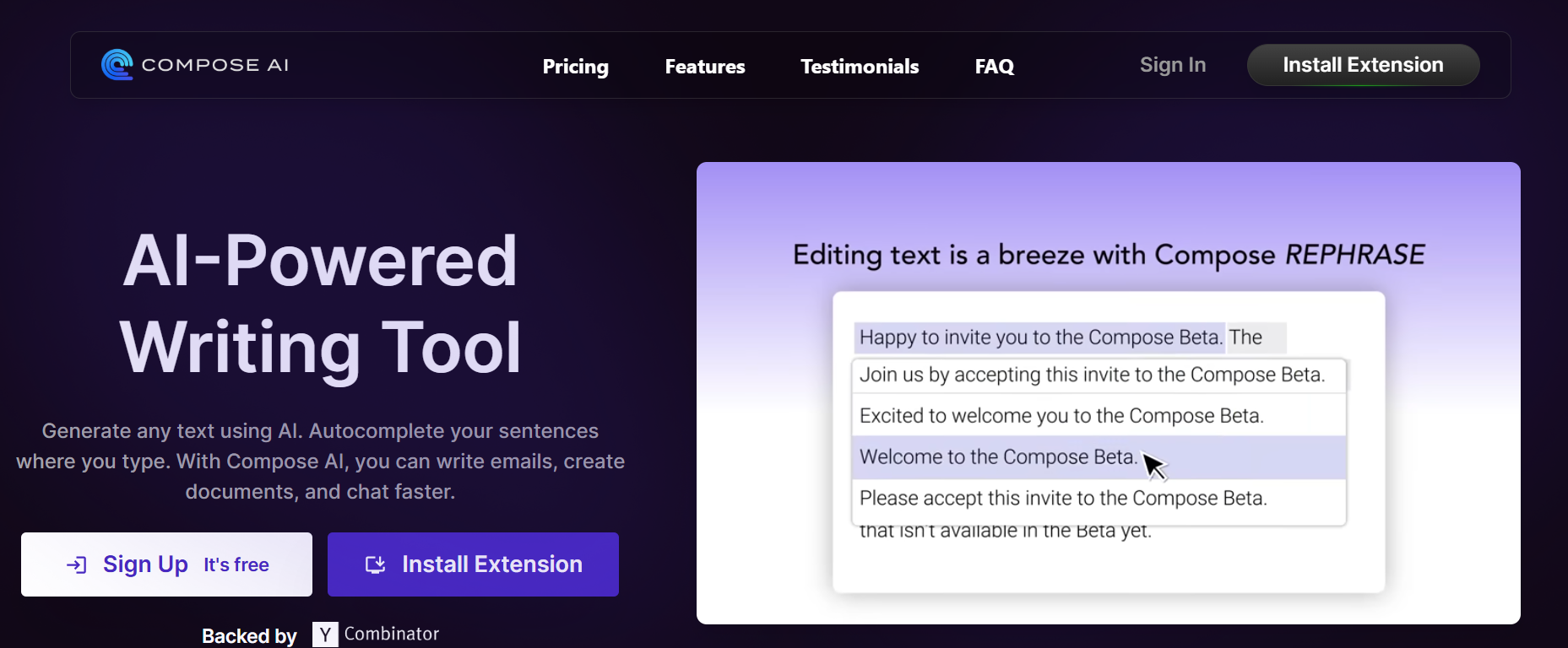
Compose AI is a browser extension that helps you write emails faster. It works inside Gmail and several other platforms. It auto-completes sentences and writes full replies. It is very useful for daily email tasks.
Pricing Guide
Free Plan
It also offers a basic plan free of cost but with limited features. If you want to choose unlimited features, then you have to go for its paid plans.
Paid Plan
The Premium plan costs around $10 per month. It offers full email writing and faster suggestions.
9. ProWritingAid

ProWritingAid is another strong writing tool. It checks grammar, style, and readability. It also helps improve your email tone. It is good for people who want detailed feedback on their writing.
Pricing Guide
Free Plan
It also offers a free basic plan for its users. But in this, you can only check grammar errors. For full email campaigns, you have to go for its paid plans.
Paid Plan
The Premium plan costs around $20 per month. It includes full writing analysis and email improvement tools.
10. Copy.ai
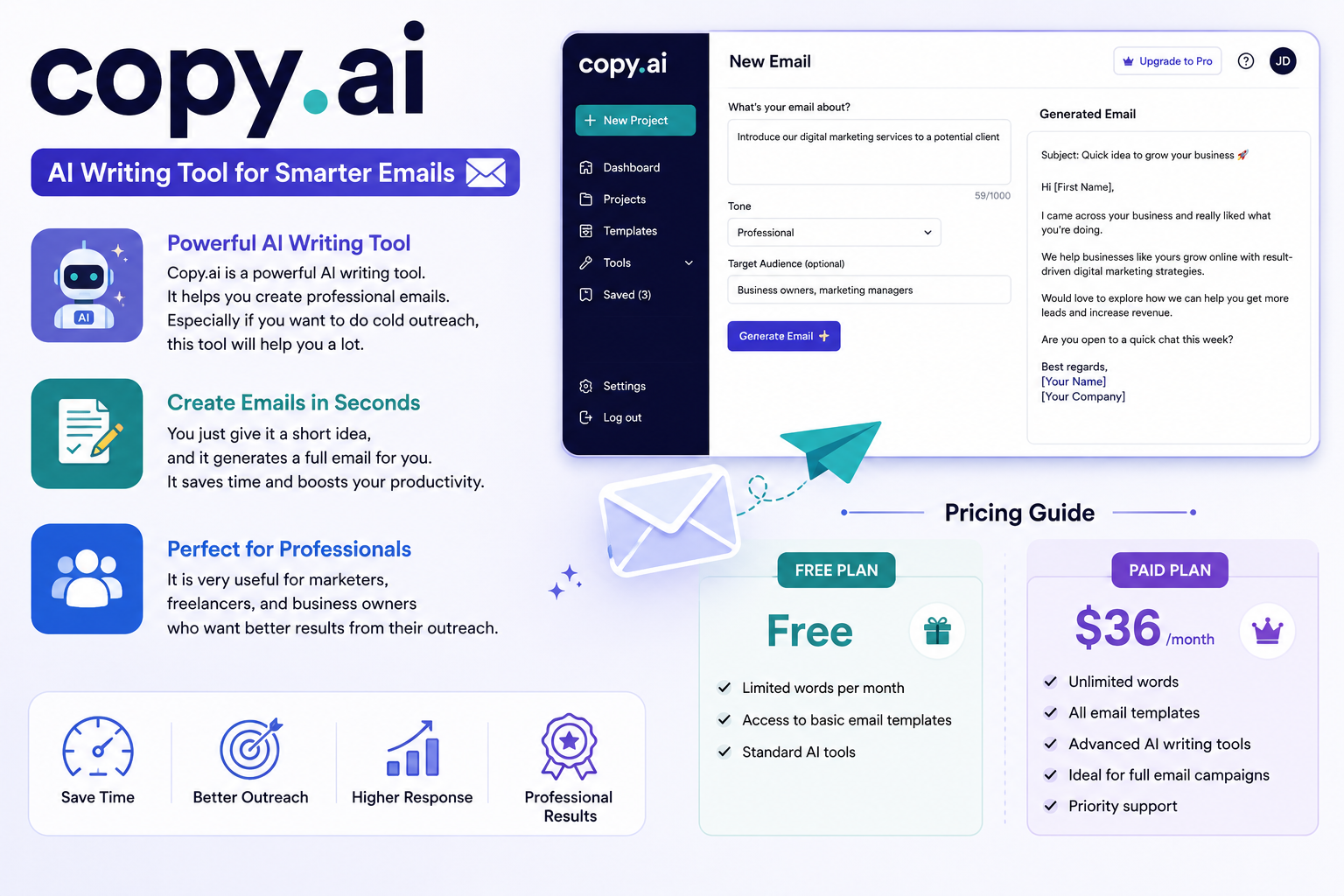
Copy.ai is a powerful AI writing tool. It helps you create professional emails. Especially if you want to do cold outreach, this tool will help you a lot.
You just give it a short idea, and it generates a full email for you. It is very useful for marketers, freelancers, and business owners.
Pricing Guide
Free Plan
You can use the free plan with limited words per month. It also gives access to basic email templates.
Paid Plan
The Pro plan costs around $36 per month. In which you will use all its features. It is very helpful in the whole email campaign.
Price Comparison Table
| Name | Best For | Free Plan | Paid Plan |
| WriteSonic | It is best to write a cold email | Available | Starts from $49 per month |
| MailMaestro | It is best for email replies | Available | Starts from $15 per month |
| WhitePanther | It is best for the whole email campaign | Available | Starts from $49 per month |
| Flowrite | It is best for email drafting | Available | Starts from $15/mo |
| Rytr | It is best for email writing ideas | Available | Starts from $9/month |
| Smartwriter | It is best for writing personalized emails | Available | Starts from $59/month |
| HyperWrite | It is best for smart email writing | Available | Starts from $19/month |
| Compose AI | You just give an idea, and it will auto-complete the email process | Available | Starts from $10/month |
| ProWritingAid | It is best for grammar checks in emails | Available | Starts from $20/month |
| Copy.ai | It is best for email generation | Available | Starts from $36/month |
Quick Summary
From my personal experience, using email writing tools has made my entire email campaign process much easier and faster. These tools not only help me write professional and engaging emails, but they also assist in generating quick replies.
As you know, replies are necessary to build a bond with the clients. This is not possible in manual work. These tools will take your whole email campaign in an organized way. And also, it saves a lot of time.