Top 10 AI Tools for Creating Reels and Shorts Automatically
+
Table of Contents
- 1 Why AI Tools for Creating Reels
- 2 10 Best AI Tools For Reels Creation
- 2.1 1. Envato VideoGen
- 2.1.1 Pricing Guide
- 2.2 2. InVideo
- 2.2.1 Pricing Guide
- 2.3 3. Synthesia Pro
- 2.4 4. Veed.io
- 2.5 5. CapCut
- 2.5.1 Pricing Guide
- 2.6 6. Descript
- 2.6.1 Pricing Guide
- 2.7 7. Opus Clip
- 2.7.1 Pricing Guide
- 2.8 8. Blend
- 2.8.1 Pricing Guide
- 2.9 9. HeyGen
- 2.9.1 Pricing Guide
- 2.10 10. ImagineArt
- 2.10.1 Pricing Guide
- 3 Comparing AI Tools for Creating Reels
- 4 Quick Summary
In my opinion, short videos are one of the best ways to capture viewers’ attention. The shorter and more engaging these videos are, the better results they can deliver. A strong script and a good idea play a key role in creating effective videos.
Now, you can even create these videos using AI. Videos can be made on any topic, whether it’s related to your business or based on trending subjects. AI tools have become so advanced that they can not only write scripts for you but also create faceless videos.
Why AI Tools for Creating Reels
In my opinion, there are many benefits to creating reels using AI tools. They can save you a lot of time by automatically writing scripts, editing videos, and even adding captions on their own. Just imagine how much time it would take if you had to do all of this manually. And even if you manage to do it yourself, you may not achieve the same level of quality.
To grow your social media account, you need to post a large number of reels, which makes manual creation very difficult. With AI, you can create multiple reels in just a few minutes.
Also Read- Top 10 AI Tools for Freelancers to Increase Productivity (2026)
10 Best AI Tools For Reels Creation
1. Envato VideoGen
This is one of the best tools for automatically generating scenes. You just need to provide a text prompt, and it will create a complete video on its own within a few seconds, in a very professional way.
It comes with a huge built-in library of thousands of videos, images, and music tracks, which are automatically added to your videos. Because of this pre-stored content, the tool produces very high-quality results.
Now, you don’t even need a camera to create videos. These systems generate videos automatically, and they are so advanced that they include an emotional touch, making them look like real camera-shot videos.
Pricing Guide
This tool does not offer a free option. You need to purchase a paid version to use it. There are three paid plans:
- Core Plan
Available for $16.50 per month.
You can generate 10 AI videos per month. - Plus Plan
Available for $39 per month.
You can generate 100 AI videos per month. - Ultimate Plan
Available for $109 per month.
This plan is ideal for large-scale video creation and allows unlimited AI video generation.
2. InVideo
This tool is one of the best for video editing. It is mostly used by people who need quick video editing. In no time, you can edit videos online and publish them. You can think of it as your smart video assistant. It works according to your instructions. Whatever type of editing you want, it helps enhance the overall video quality effectively.
Pricing Guide
It also offers a free plan, but it is limited. You can generate up to 10 minutes of video per week, and the videos will include a watermark.
There are two paid plans:
- Plus Plan
Available for $25 per month.
You can create up to 50 minutes of video per month.
It offers high-resolution exports and removes the watermark. - Max Plan
As the name suggests, this plan is designed for larger or enterprise-level users.
It costs $60 per month.
You can generate up to 200 minutes of AI videos per month.
3. Synthesia Pro
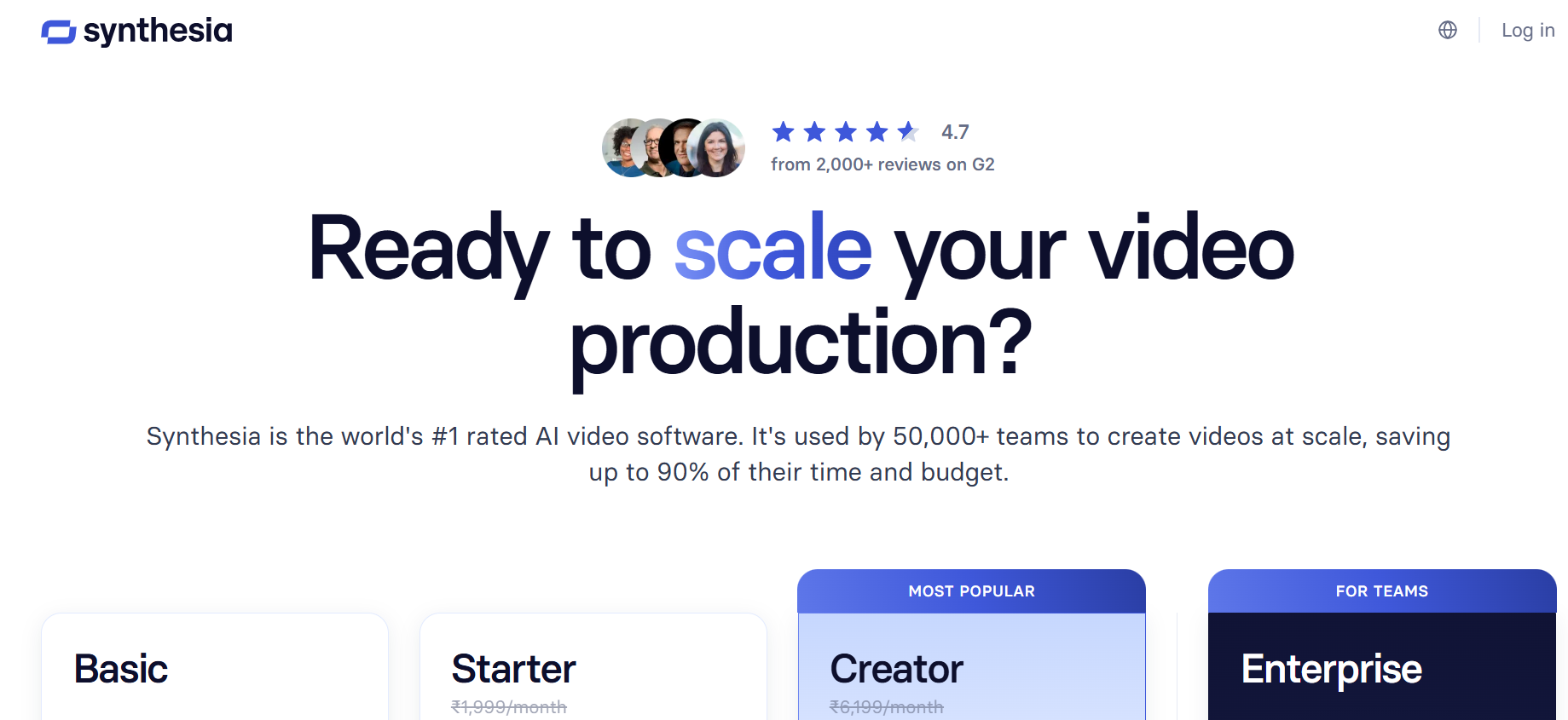
If you want to create virtual avatars and are looking for a good AI tool, then this is for you. With it, you can create high-quality virtual avatar reels. This is the main specialty of this tool. I have personally used it, and whenever I need to create avatars, I rely on it.
The short reels made with these avatars feel very realistic and help attract users. Avatar-based reel content is becoming very popular these days. It’s a new form of AI, and now everyone wants to learn how to create avatars.
With this tool, you can create amazing reels and attract new users effectively.
Pricing Guide
Free Plan
This tool offers basic services for free. In the free plan, you can create around 3 to 10 minutes of video per month. It is quite limited, but it is enough for beginners.
Paid Plan
For the paid plan, you need to pay $29 per month. With this, you can create a large number of reels. These reels will not have any watermark, and you will also get options like video downloading and AI dubbing.
4. Veed.io
Do you know that many people around the world watch videos with the sound turned off? It’s their habit to enjoy videos just by reading subtitles. This is one of the key specialties of this tool. It automatically generates subtitles.
It listens to the video’s voice in the background and creates colorful and accurate subtitles. You can also customize them according to your preferences, such as colors, fonts, and styles.
Subtitles are very important, and you should never ignore them. If you do, you may miss out on a large portion of your audience.
Pricing Guide
Free Plan
With this tool, you can generate subtitles for free. It only supports videos up to 10 minutes long. For usage beyond that, you will need to use the paid version.
Paid Plan
The paid version costs $18 per month, billed annually. With this plan, you can generate subtitles for up to 100 minutes of video per month. There will be no watermark, and the output quality will also be good.
5. CapCut
This is an excellent video editing tool. You can edit your long-form videos and convert them into short reels.
These short reels come with great effects that help attract users. You can add different types of music or voiceovers to your videos. In other words, you can customize your videos however you like.
Pricing Guide
CapCut also offers a free version to its users, through which you can edit your videos on a limited basis.
To access its unlimited features, you need to pay $9.99. This gives you full access to all features, allowing you to edit your videos according to your preferences.
6. Descript
This is a tool that allows you to edit your videos just like you would edit a document. Its editing process is very simple and effective. Even beginners can easily edit videos according to their preferences.
Pricing Guide
It also offers a free version to its users, in which you can edit up to 1 hour of video per month.
Its paid version costs $12 per month, through which you can edit up to 10 hours of video.
7. Opus Clip
Opus Clip is a fantastic AI tool. With it, you can edit long-form videos and convert them into short reels. This tool specializes in this feature.
The short reels it creates are so effective that they easily convey the message of the full video. Its artificial intelligence system automatically analyzes the entire video and generates short reels for you.
Pricing Guide
This tool also offers a free version to its users. In this, you can use auto-clipping for up to 60 minutes of video per month, but it will include a watermark.
Its paid version can be used for $15 per month. With this plan, you can do auto-clipping for up to 150 minutes of video per month. There will be no watermark, and you can download videos with AI captions.
8. Blend

This tool specializes in creating short videos for products. You just provide it with a product image, and it automatically generates a 10 to 30-second reel.
These reels look so realistic that they appear as if they were shot with a real camera. This is the main strength of this tool, and I have personally tried it.
Take pictures of your products and use this tool to turn them into reels. It will give you unbelievable results.
Pricing Guide
You can use its free version. In this, you will get 500 credits per month.
Its paid plan costs $249 per month, through which you can use unlimited credits. This is the best option for e-commerce stores to create reels for their products.
9. HeyGen

If you want to create short videos using a script, then this tool is for you. This tool specializes in this feature. You can provide your text prompt, and it will create a video according to your requirements.
You can also modify these short videos as needed. You can add subtitles or different types of effects to them as well.
Pricing Guide
You can use its free version to create up to 3 videos per month, each with a duration of 1 to 3 minutes.
If you want to create unlimited videos, you will need to subscribe to its paid plan. It costs $29 per month. With this plan, you can generate unlimited videos, and videos can be up to 30 minutes long.
10. ImagineArt
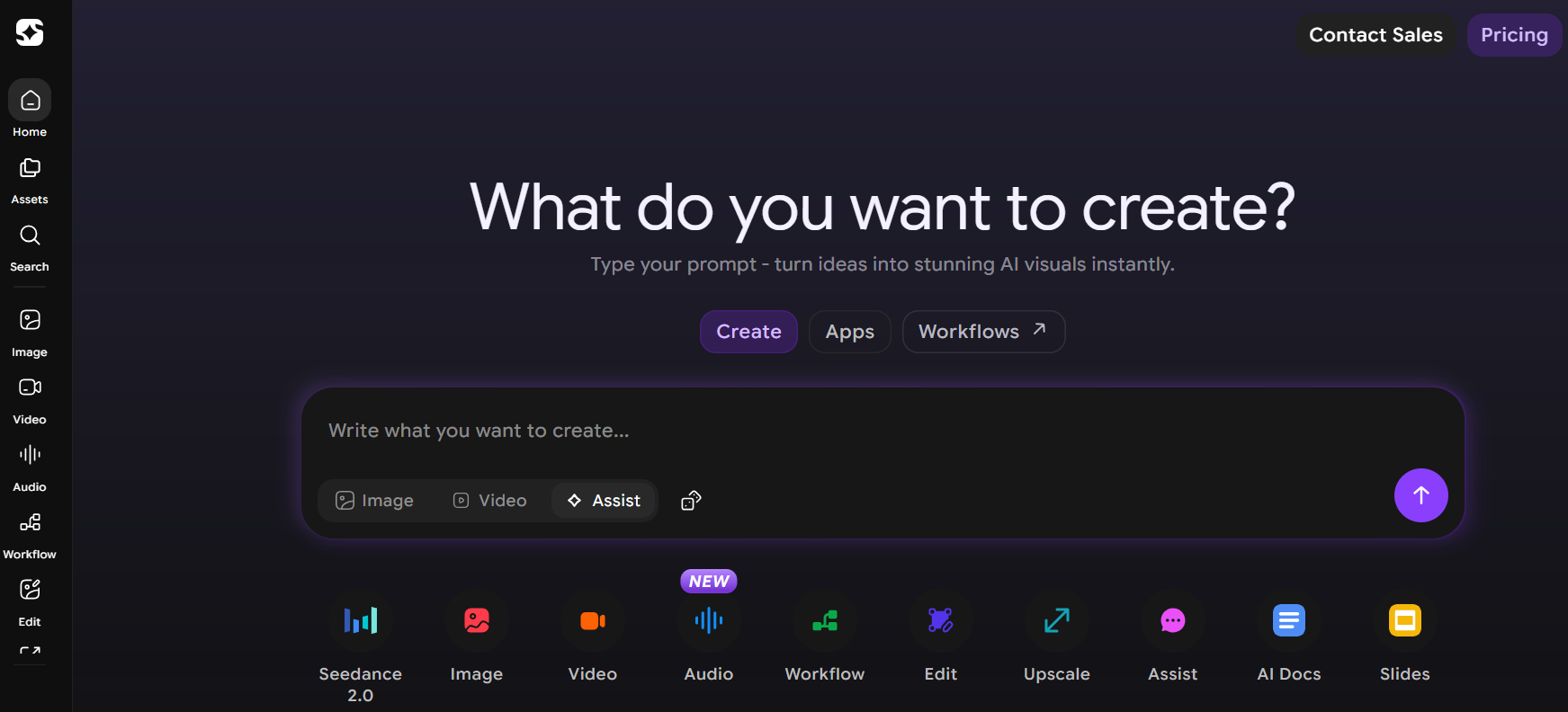
This AI tool has the ability to convert AI-generated images into videos. You can create AI images of your products and then turn them into short videos using this tool.
It is very useful for business promotion. I have seen many e-commerce stores use this tool to create product videos. These videos look so realistic that they attract users’ attention.
Pricing Guide
This tool also offers a free version to its users, which you can use with limited daily credits.
Its paid version costs $10 to $15 per month. With this plan, you can use unlimited monthly credits. The videos created with the paid version are high resolution.
Comparing AI Tools for Creating Reels
| Name | Best For | Free Plan | Paid Plan |
| Envato VideoGen | AI video generation | ❌ No free plan | $16.5–$109/month |
| InVideo AI | Online video editing | Limited (watermark, 10 min/week) | $25–$60/month |
| Synthesia | AI avatar videos | 3 videos/month (watermark) | $29/month |
| VEED.io | Auto subtitles editing | 10 min video + watermark | $18/month (billed yearly) |
| CapCut | Short video editing | Free with limits/watermark | $9.99/month |
| Descript | Text-based editing | 1 hour/month | $12/month |
| Opus Clip | Auto short clipping | 60 min/month + watermark | $15/month |
| Blend AI | Product video reels | 500 credits/month | $249/month |
| HeyGen | AI avatar videos | 3 videos/month | $29/month |
| ImagineArt | AI image to video | Limited daily credits | $10–$15/month |
Quick Summary
In my opinion, with the arrival of these tools, video creation has completely changed. Now, instead of manual video production, people are using AI tools to create videos. Especially e-commerce stores that need to produce a large number of product videos at scale are relying on them.
These tools automatically perform short auto-clipping of long-form videos and use artificial intelligence to prepare short reels. You can then upload these reels to different social media platforms to promote your products.