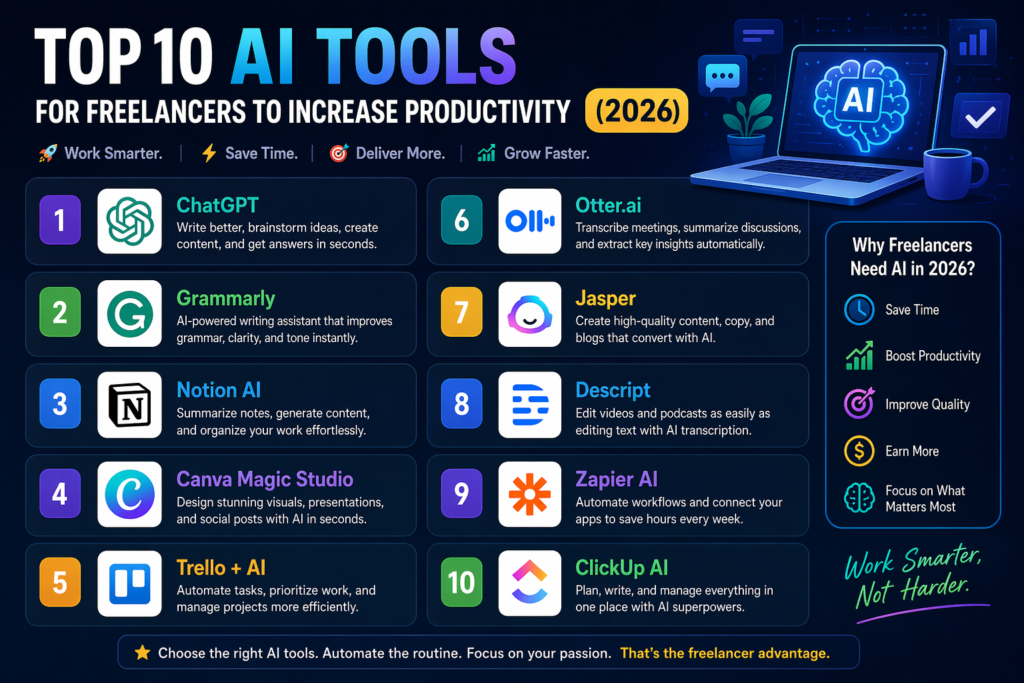
Top 10 AI Tools for Freelancers to Increase Productivity (2026)
+
Table of Contents
- 1 10 Best AI Tools for Freelancers
- 1.1 1. Surfer SEO
- 1.2 Pricing Guide
- 1.3 2. Midjourney
- 1.3.1 Pricing Guide
- 2 3. Majestic SEO
- 2.0.1 Pricing Guide
- 3 4. Jasper AI
- 4 5. Canva
- 4.0.1 Pricing Guide
- 5 6. Descript AI
- 5.0.1 Pricing Guide
- 6 7. CapCut
- 6.0.1 Pricing Guide
- 7 8. Otter.ai
- 7.0.1 Pricing Guide
- 8 9. Notion AI
- 8.0.1 Pricing Guide
- 9 10. Taskade AI
- 9.0.1 Pricing Guide
- 10 Comparing AI Tools for Freelancers at a Glance
- 11 Quick Summary
Nowadays, there is a very tough competition among freelancers around the world. Everybody is trying to do their best to grab more orders.
Here, AI plays a vital role. Those freelancers who adopt these tricks can go with the flow.
Here, a sense of wisdom prevails. Learning new tricks as time requires is essential.
Every freelancer can learn new things. It doesn’t matter whether they are in their forties or fifties. AI is for all.
I have many freelance friends, some in their forties and a few in their fifties, who have learned AI Tools for Freelancers and are applying them in their work.
I have written this blog post on the idea of how many web tools a freelancer should learn to excel in the field.
Also read – 5 Brat Generator AI Tools
10 Best AI Tools for Freelancers
1. Surfer SEO
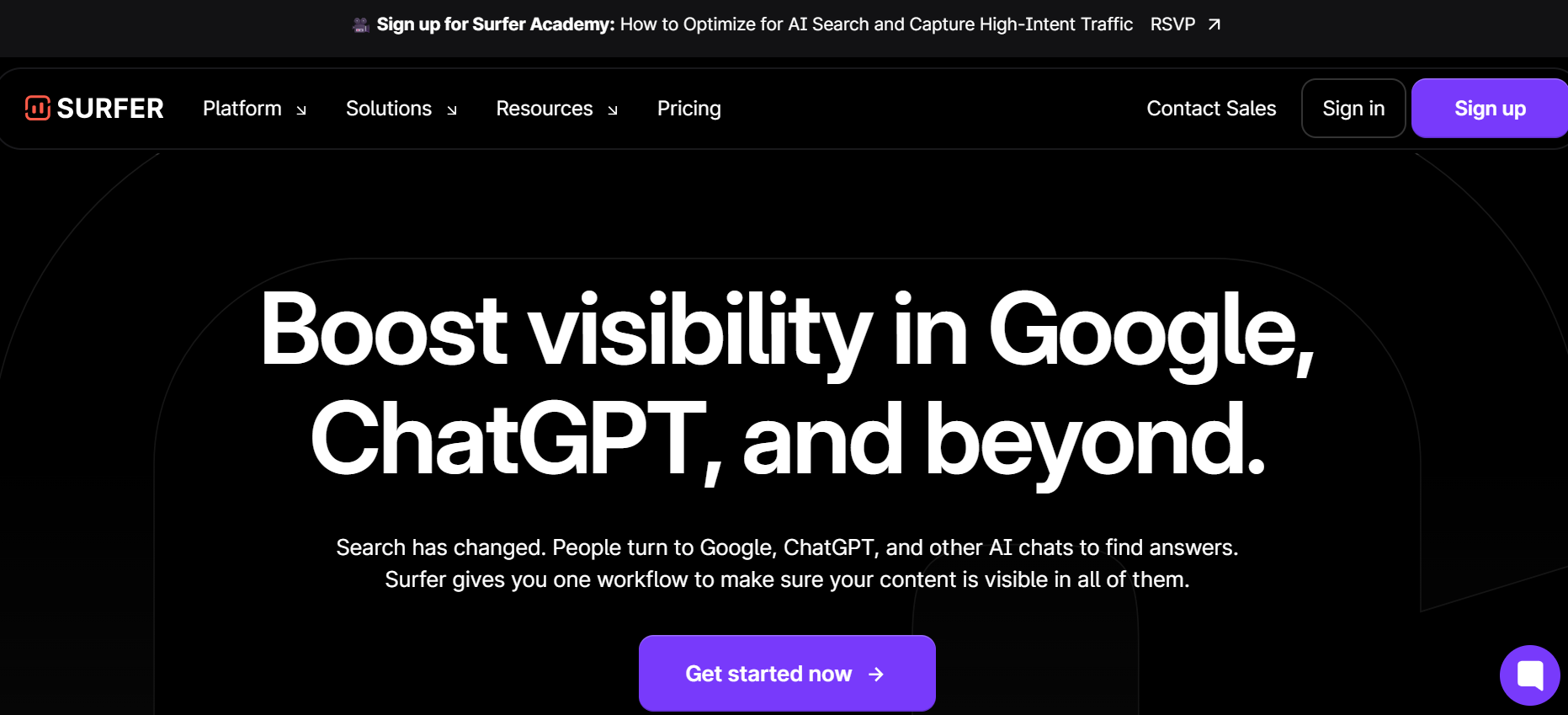
Surfer is made for SEO experts. I have also been using this for my writing optimization.
Search engines love written content that is written according to the guidelines of search engines.
It helps you find the right keywords and naturally embed them in content. Before writing an article, I always research keywords using this tool.
Pricing Guide
It doesn’t offer a traditional free plan. All you have to use it’s paid features. You can subscribe to the paid version for $99 per month. But I suggest you go for an annual subscription. It will cost $79 a month.
2. Midjourney
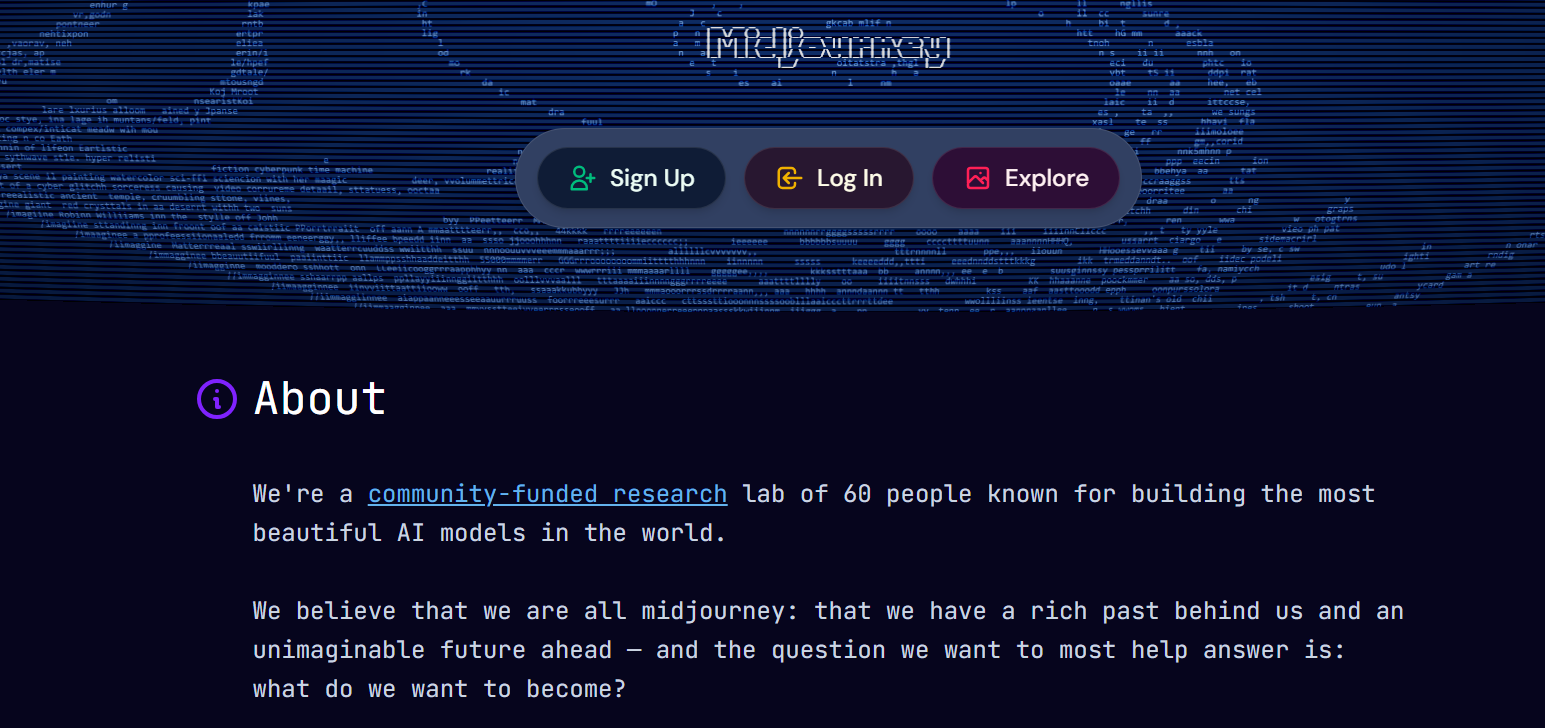
Midjourney is made for artists. You can also say it is an art tool. Those freelancers who love art or want to generate graphics can use this.
It runs on the Discord platform, and in this way, you can also enjoy connecting to the Discord community.
The images that have been generated from this can be used freely. There will be no copyright issue in using these images.
Many of my freelance graphic designers use this and are very satisfied with its work.
After the rise of AI, it became one of the earliest and most popular art tools. It builds a huge community where users generate and share their artwork.
Pricing Guide
MidJourney does not offer a traditional free plan. It is mainly used through Discord. Its paid plan starts at $10 per month. If you go for an annual subscription, then the cost can be even lower.
I believe this price is very reasonable considering the high-quality artwork.
3. Majestic SEO
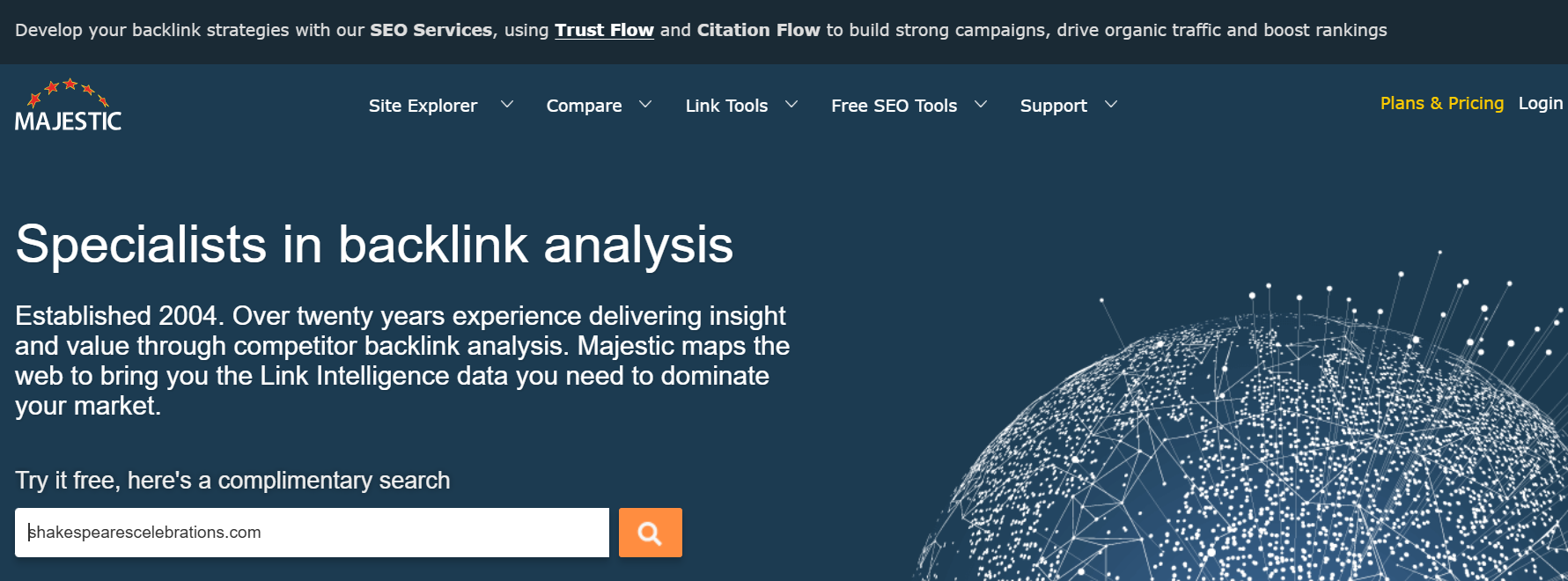
Majestic is a tool similar to Surfer. This tool is also made for SEO experts. As I said earlier, writing an article is not enough. Getting it ranked is the real challenge. Some freelancers prefer Majestic SEO and trust its keyword data.
Overall, every tool has some shortcomings, but I found this to be a better keyword researcher.
Pricing Guide
As compared to Surfer SEO, this tool is economical. It is available for $49 per month. If you choose an annual subscription, then it costs even less, at around $32 per month.
4. Jasper AI
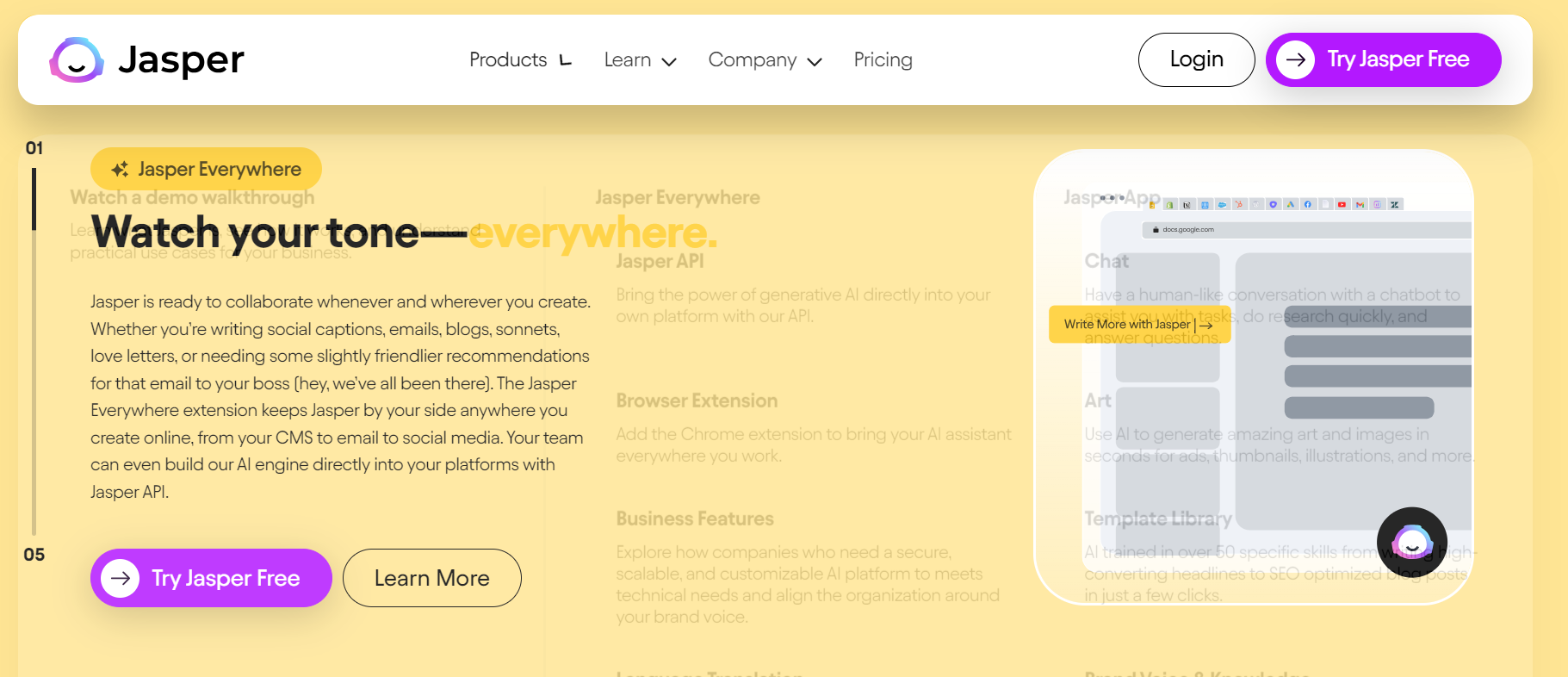
This is one of the most favorite tools for writers who look for AI Tools for Freelancers. I myself use this and have found that it generates words that look like human-written text.
Freelancers can use this to write articles for search engines. Search engines love to rank articles that feel like they are written by humans.
Pricing Guide
This tool offers two types of plans: one for individuals and another for teams.
Its most popular plan is the Creator Plan, which is designed for individual users. It costs around $49 per month. If you choose the annual subscription, it will cost you approximately $39 per month.
5. Canva
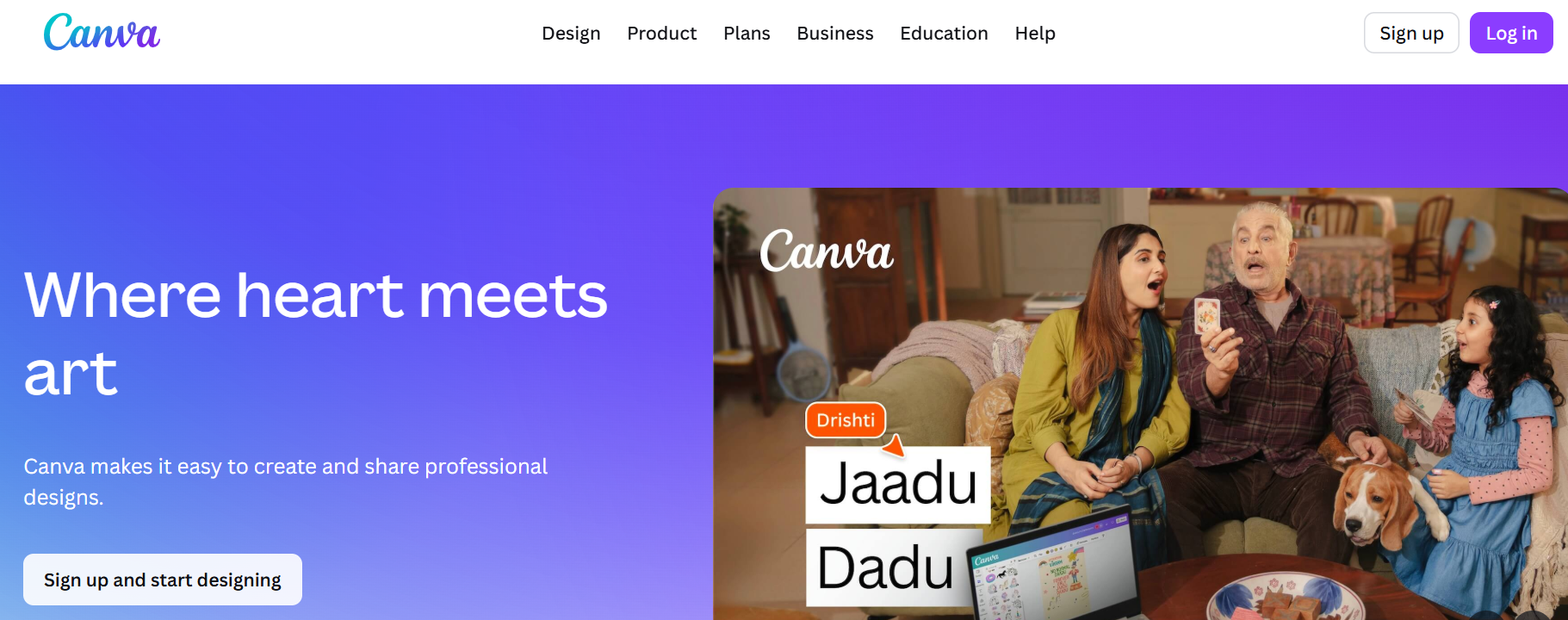
Canva is ideal for beginner-level graphic designers. It is a very simple and easy-to-use web tool.
If you are running a YouTube then you can use it for thumbnail creation. While designing a thumbnail, it gives you thousands of template options. You just select a design and modify it. The design will be ready in just a few minutes.
Pricing Guide
Canva offers a basic free plan for freelancers, which is more than enough for beginners. Later, you can upgrade to the paid version, which costs around $7 per month.
Paid plan will unlock all temples for free use.
6. Descript AI
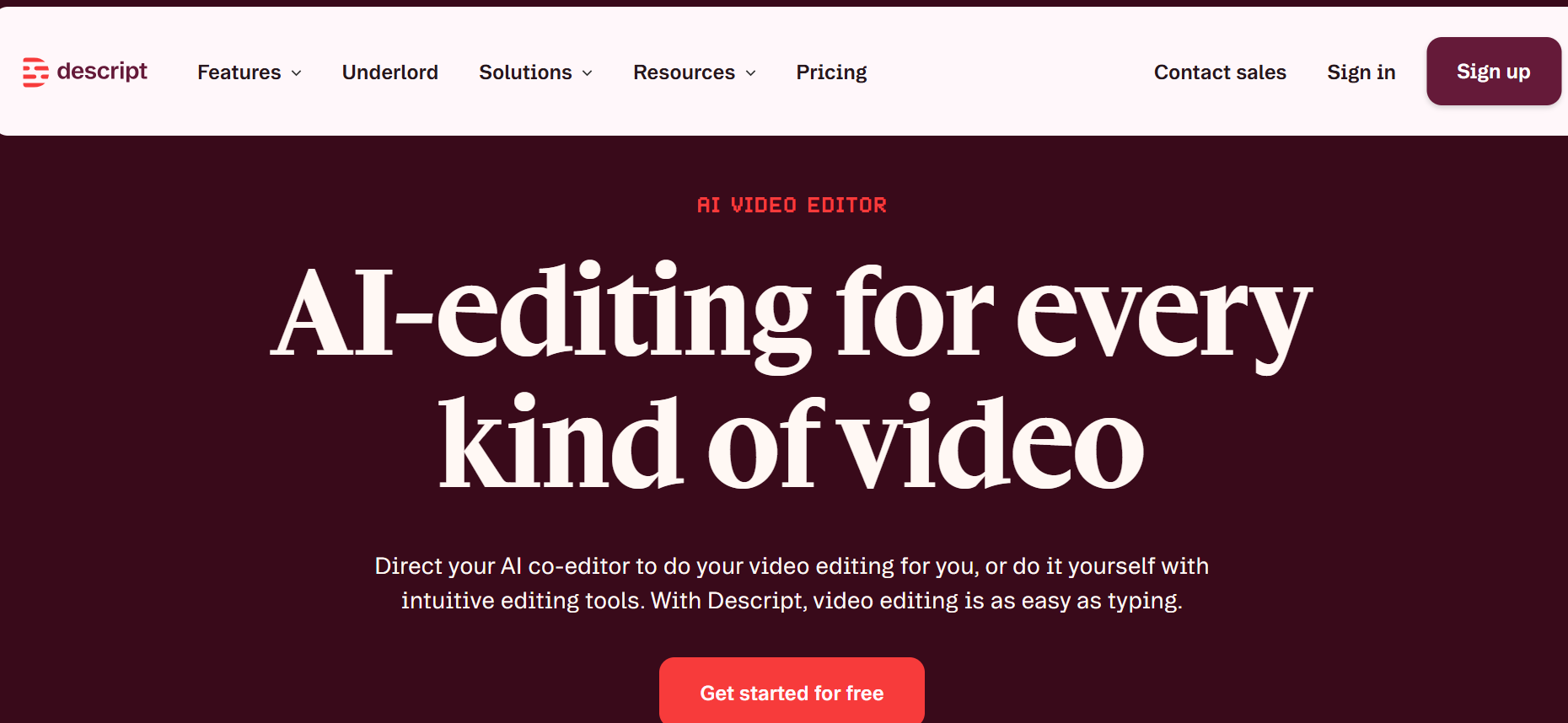
Descript is made for video editors. Those freelancers who are in the field of video editing can use this tool.
It offers unique features of editing and effects. I have seen many YouTube owners who add effects to their videos from this tool. They are very satisfied with the results of descript.
Pricing Guide
This tool offers multiple pricing options that users can choose according to their needs.
The most commonly used plans are the Hobbyist and Creator plans. The Hobbyist plan starts at around $9 per month, while the Creator plan costs approximately $24 per month.
These plans provide enough flexibility and resources to handle a large scale of video editing work.
7. CapCut
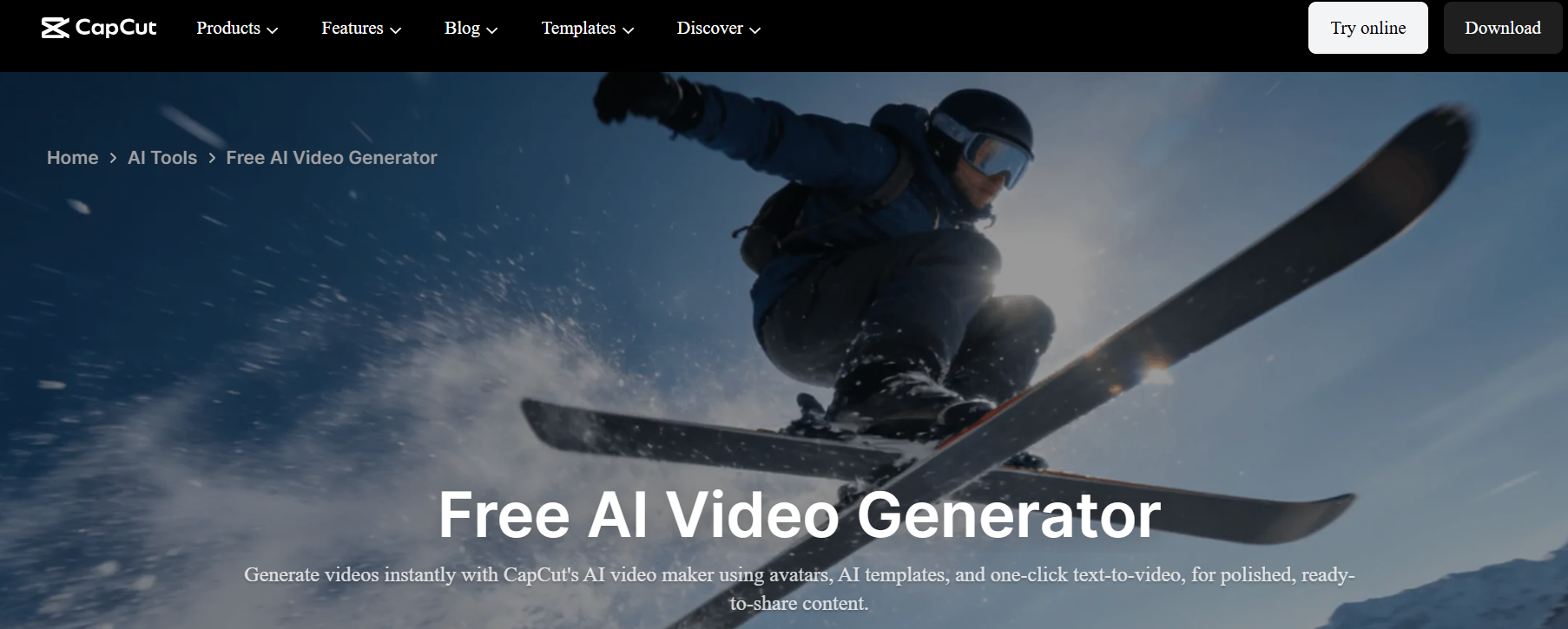
CapCut is another helpful video editing tool and is more affordable than Discript. Freelancers who are searching for an economical video editing service can use this. I experience this as the best service available at an economical price.
Pricing Guide
CapCut is more economical compared to Descript. It costs around $9.99 per month. If you choose an annual subscription, then it will cost you $89.99 per year.
8. Otter.ai
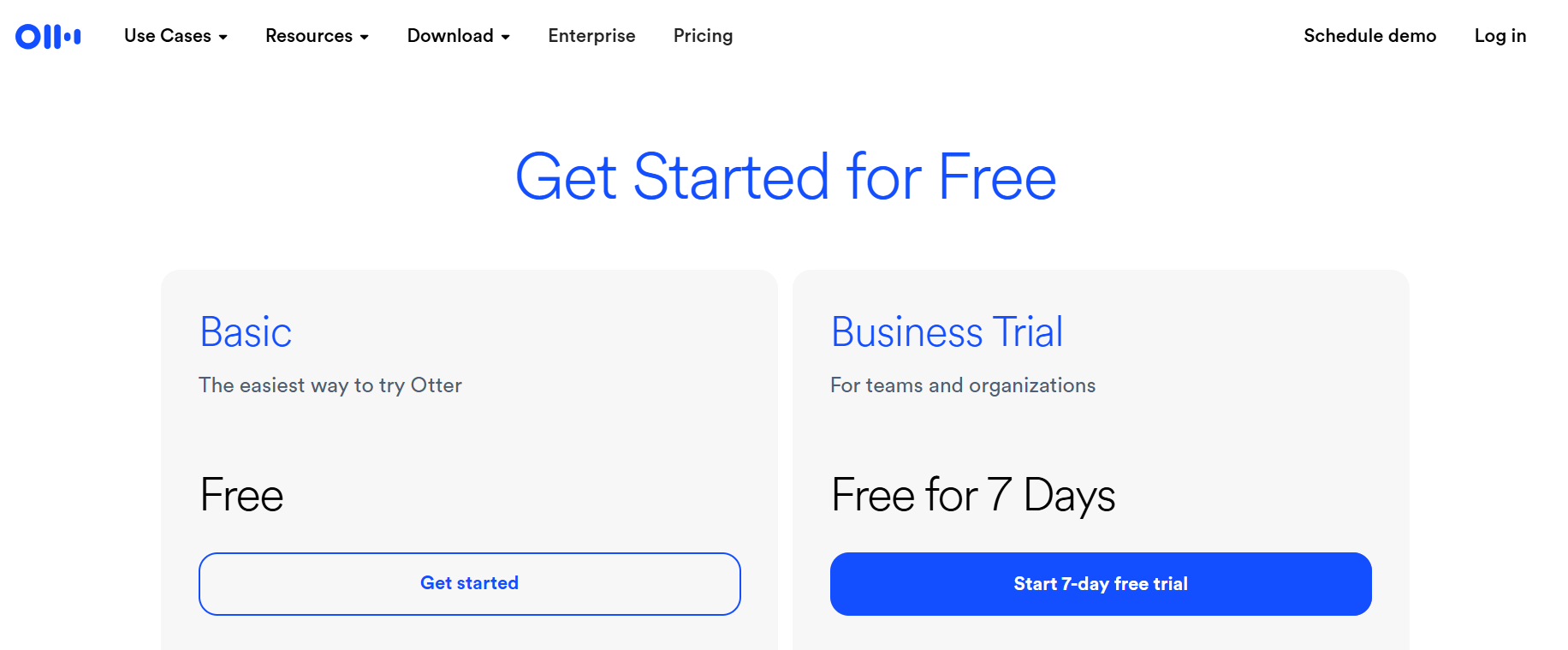
This is the best note-taking tool among all the AI tools for freelancers. It can help freelancers manage their workload. Mostly freelancers use to manage the whole work on their own. I believe they must use this tool for better client work management.
I personally use it as well, and it really helps me manage my work more efficiently.
Pricing Guide
It offers a basic free plan, which I think best fit for beginning-level freelancers. Later, you can upgrade to the Pro version, which costs around $8.33 per month.
9. Notion AI
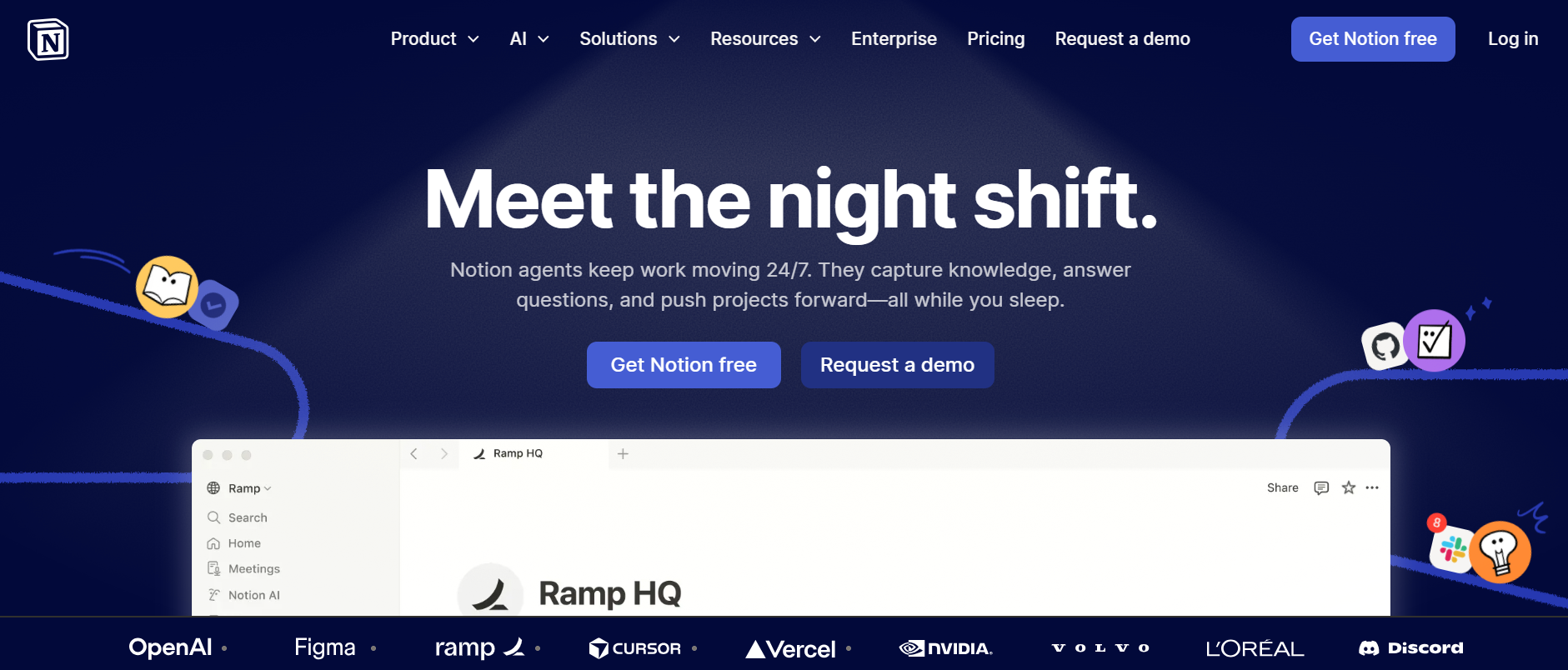
Notion AI is another powerful tool similar to Otter among AI tools for freelancers. It was developed to capture notes and tasks efficiently. It can help freelancers to track tasks and manage the system efficiently.
Pricing Guide
- This tool also offers a free version, which provides a lot of space for managing things.
- For advanced features, you can upgrade to the paid plan, which costs around $10 per month.
10. Taskade AI
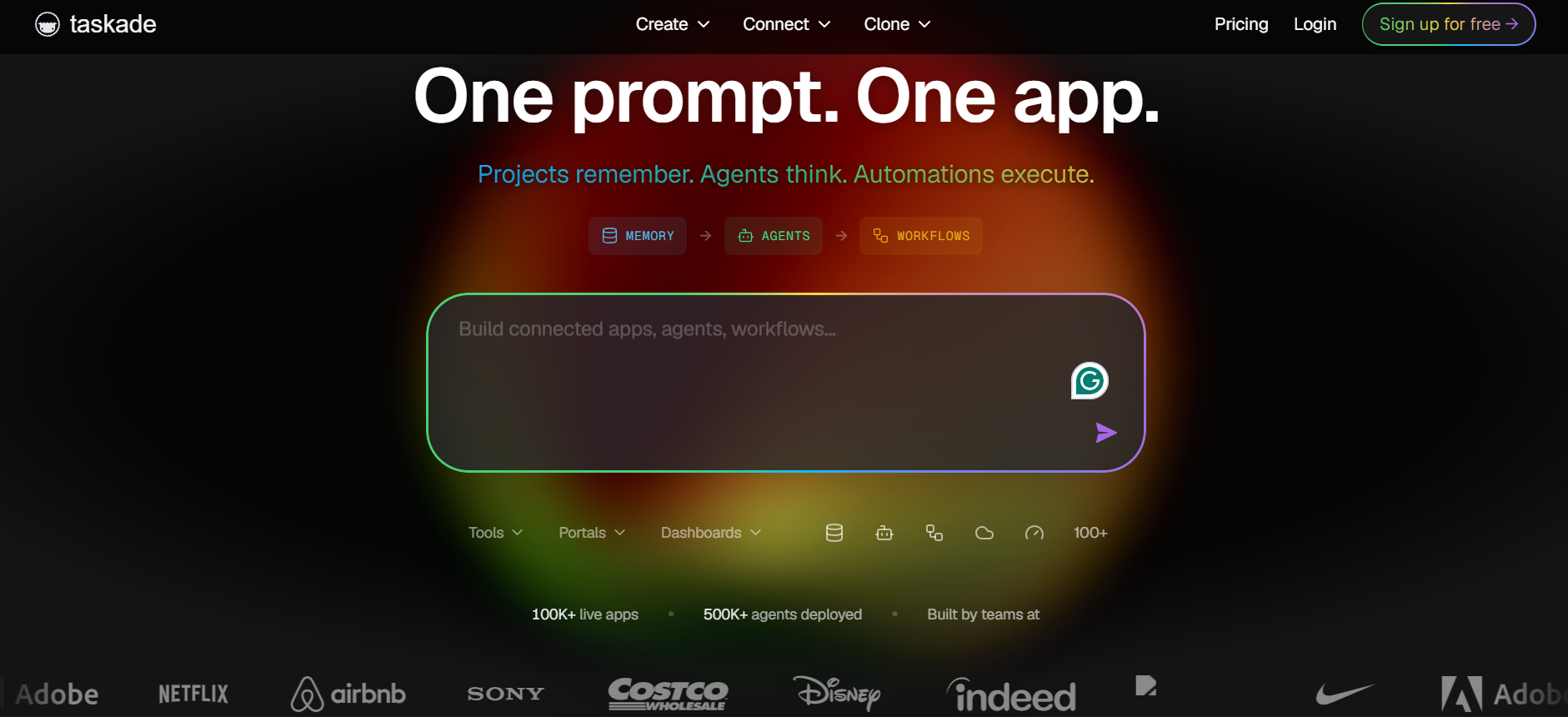
Taskade is a simple and useful tool for freelancers. It helps you manage tasks, notes, and projects in one place.
You can also use its AI feature to create ideas, outlines, and plans. This makes your work faster and more organized. It is very helpful if you are handling multiple clients.
Pricing Guide
- Taskade offers a free plan for beginners.
- Its paid plan starts at around $8 per month with more features.
Comparing AI Tools for Freelancers at a Glance
| Serial | Name | Best For | Free Plan | Paid Plan |
| 1 | Surfer SEO | SEO writing | No | $79/month |
| 2 | Midjourney | Image creation | No | $10/month |
| 3 | Majestic SEO | Keyword research | No | $32/month |
| 4 | Jasper AI | Content writing | No | $39/month |
| 5 | Canva | Graphic design | Yes | $7/month |
| 6 | Descript | Video editing | Yes | $9/month |
| 7 | CapCut | Video editing | Yes | $9.99/month |
| 8 | Otter.ai | Note taking | Yes | $8.33/month |
| 9 | Notion AI | Task management | Yes | $10/month |
| 10 | Taskade | Project planning | Yes | $8/month |
Quick Summary
Every freelancer must know how to use AI in their work. It helps improve skills, save a lot of time, and prepare you to deal with challenges. There are many services available in the market; you just need to learn first and then try to apply them in your work.