10 AI Tools for YouTube Automation That Actually Work in 2026
+
Table of Contents
- 0.1 1. Pictory
- 0.1.1 When it was launched:
- 0.1.2 Advantages
- 0.1.3 Drawbacks
- 0.1.4 Price Guide
- 0.2 2. Synthesia
- 0.2.1 When it was launched:
- 0.2.2 Advantages
- 0.2.3 Drawbacks:
- 0.2.4 Price Guide:
- 0.3 3. Descript
- 0.3.1 When it was launched:
- 0.3.2 Advantages
- 0.3.3 Drawbacks:
- 0.3.4 Price Guide:
- 0.4 4. TubeBuddy
- 0.4.1 When it was launched:
- 0.4.2 Advantages
- 0.4.3 Drawbacks:
- 0.4.4 Price Guide
- 0.5 5. Sponscribe
- 0.5.1 When it Launched
- 0.5.2 Advantages
- 0.5.3 Drawbacks
- 0.5.4 Price Guide
- 0.6 6. Midjourney
- 0.6.1 When it was launched:
- 0.6.2 Advantages
- 0.6.3 Drawbacks
- 0.6.4 Price Guide
- 0.7 7. Suno AI
- 0.7.1 When it was launched:
- 0.7.2 Advantages
- 0.7.3 Drawbacks
- 0.7.4 Price Guide
- 0.8 8. SocialBee
- 0.8.1 When it Launched
- 0.8.2 Advantages
- 0.8.3 Drawbacks
- 0.8.4 Price Guide
- 0.9 9. Epidemic Sound
- 0.9.1 When it Launched
- 0.9.2 Advantages
- 0.9.3 Drawbacks
- 0.9.4 Price Guide
- 0.10 10. CapCut
- 0.10.1 When it was launched:
- 0.10.2 Advantages
- 0.10.3 Drawbacks
- 0.10.4 Price Guide
- 1 Conclusion
In my opinion, YouTube channels, especially in 2026 and the coming years, will grow even faster.
One major reason for this is the use of YouTube Automation tools to create videos.
AI tools are bringing a huge innovation to YouTube’s growth. People are able to create videos easily and also produce higher-quality content.
This is also benefiting viewers, because those who were not gaining much value from content before are now able to gain significantly more knowledge from high-quality content.
I believe that every YouTube channel owner should now use these tools to produce their content, and there is nothing wrong with it. YouTube automation tools do not negatively affect the platform—in fact, YouTube management encourages it. Their goal is to deliver better and better content to viewers, and for that, AI and automation are not a problem at all.
In this article, I will introduce the top 10 tools that can help you 10x your content quality.
| Tool Name | Best For 🚀 | Key Feature 💡 | Pricing 💰 | Difficulty ⚙️ | Ideal For 🎯 |
|---|---|---|---|---|---|
| Pictory | Text-to-video creation | Converts blogs/scripts into videos | $20–$25/month | Easy | Faceless YouTube channels |
| Synthesia | AI avatar videos | Creates videos with AI presenters | ~$30/month | Medium | Professional content |
| Descript | Video & audio editing | Edit videos like text | Free + Paid | Medium | Editors & creators |
| TubeBuddy | YouTube SEO | Keyword & ranking optimization | $5–$50/month | Easy | Channel growth |
| Sponscribe | Transcription & captions | Converts audio to text | ~$10/month | Easy | Accessibility & captions |
| Midjourney | Thumbnail creation | AI-generated high-quality images | ~$10/month | Medium | Eye-catching thumbnails |
| Suno AI | AI music generation | Adds music to videos | Free + ~$10/month | Easy | Engaging content |
| SocialBee | Social media automation | Schedule posts & manage content | ~$19/month | Medium | Workflow automation |
| Epidemic Sound | Background music | High-quality licensed music | ~$15/month | Easy | Professional audio |
| CapCut | Video editing | Easy editing + effects | Free + $7–$10/month | Easy | Beginners & pros |
“If you’re serious about growing your YouTube channel in 2026, combining 2–3 of these tools can easily 10x your content quality and save hours of manual work.”
1. Pictory
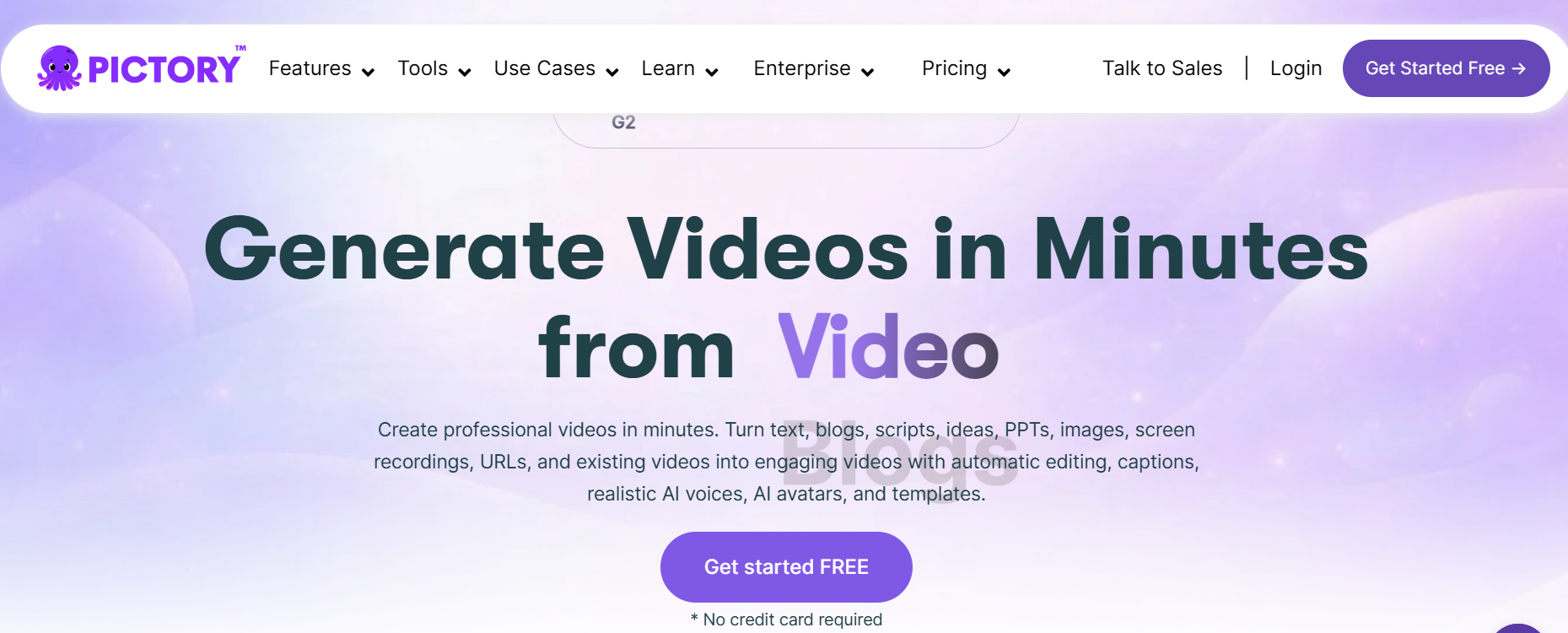
The number one tool I have selected for you is Pictory. It is a very powerful tool that converts your text into video.
When it was launched:
Pictory was launched around 2019.
Advantages
It helps you make many videos fast. You can turn blogs into YouTube videos easily. This is great for faceless channels.
It allows you to create videos very quickly and can turn your blog content into videos without any difficulty. It is a great supporting tool for faceless channels.
Drawbacks
In my opinion, it can feel a bit too simple,e and you may need to do additional editing to make your videos more engaging.
Price Guide
You can use it by paying approximately $20 to $25 per month, but in the beginning, you don’t necessarily need to pay. I think the basic features are sufficient to get started.
2. Synthesia
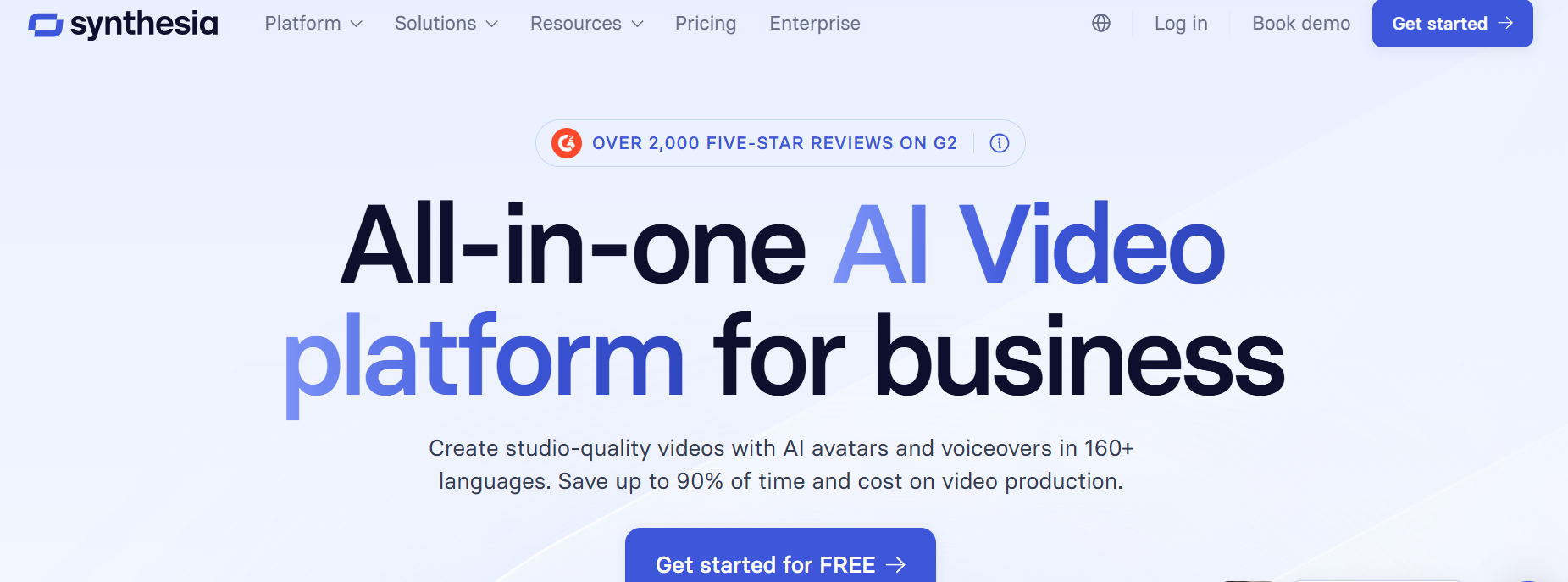
Synthesia is similar to the Pictory tool that creates AI-generated videos. You simply upload your script, and it produces a high-quality video that you can upload to your YouTube channel to help grow it.
When it was launched:
It was launched earlier than Pictory, around 2017, and has been performing very well since then.
Advantages
It produces videos without showing your face.
Drawbacks:
Videos produced by Synthesia may look a bit artificial,l and proper editing is required to make it look real.
Price Guide:
Start with its free version, which is enough for creating basic videos. Late,r you can upgrade to its advanced features. Which costs around $30 per month.
3. Descript
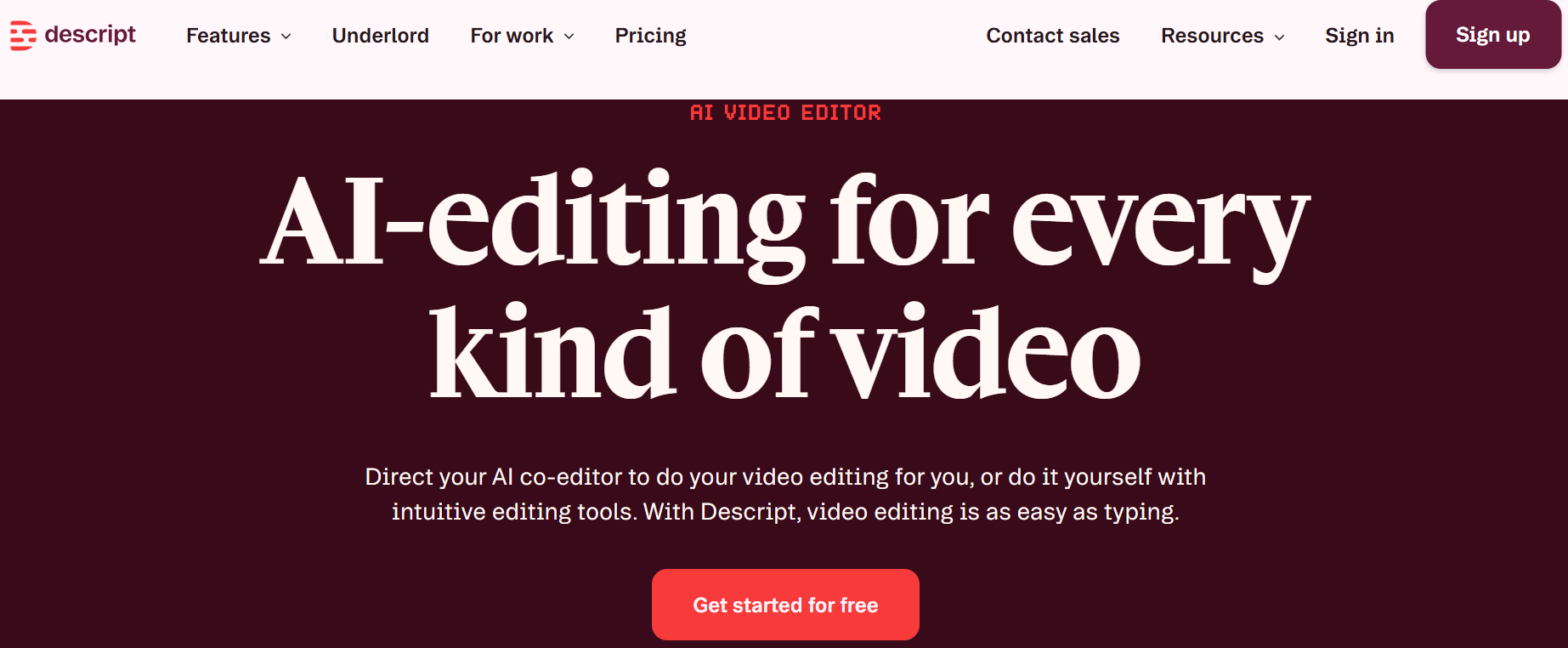
Descript is a tool that can be helpful for editing. Just like you edit text, you can edit your videos in the same way.
When it was launched:
This tool was launched around the end of 2017, and every year it introduces additional features, continuously improving its services for users.
Advantages
I think the best editing helps in YouTube automation tools.
Drawbacks:
It can be a bit slow, and editing may take more time than expected.
Price Guide:
It allows you to edit a limited number of videos for free. After that, you can upgrade to the paid version.
4. TubeBuddy
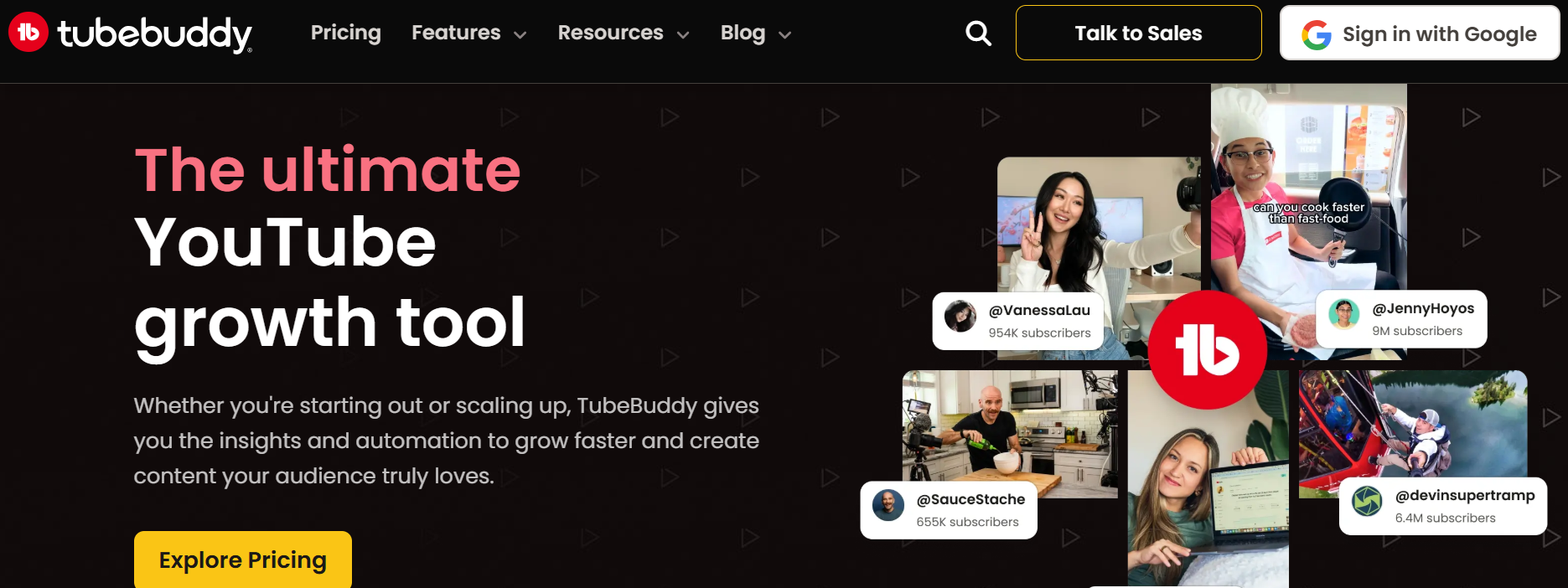
The next tool I have selected for you is TubeBuddy. It helps you grow your YouTube channel.
It provides you with useful keywords, giving you ideas for creating videos and helping you rank them more effectively.
When it was launched:
TubeBuddy was launched around 2015 and has been well-known for its excellent topic and keyword selection since then.
Advantages
It helps your videos rank better than manual.
Drawbacks:
It also offers a free basic version, while its paid plans start from around $5 and go up to $50 per month.
Price Guide
It has a free plan. Paid plans start from $5. Higher plans go up to $50.
5. Sponscribe

Sponscribe (or transcription tools) is a tool that converts your audio into text. If you create videos, having written captions can be a big advantage for your viewers, as it makes your content easier to understand.
When it Launched
It was introduced in 2020.
Advantages
It helps you easily generate captions, which also supports YouTube automation and improves accessibility.
Drawbacks
Sometimes, it may make small errors, but you can fix them by reviewing and editing the text.
Price Guide
It also offers a free basic version, and later you can upgrade to advanced features for around $10 per month.
6. Midjourney
MidJourney is a very popular and well-known tool, especially for artists. As we know, YouTube thumbnails play a very important role in capturing viewers’ attention. With this tool, you can create high-quality thumbnails.
When it was launched:
It was launched in 2022 and became very popular right from the start. Today, millions of people around the world are benefiting from it.
Advantages
It helps you generate thumbnails easily and effectively, which is very useful for video automation and improving your content presentation.
Drawbacks
MidJourney works through Discord, and sometimes it can be a bit confusing to use, especially for beginners.
Price Guide
You can use it by paying around $10 per month, and it does not offer a free version.
7. Suno AI

Suno AI is a tool that adds music to your voice, allowing you to make your video content more engaging and attractive for viewers.
When it was launched:
It was launched in 2023 and has quickly become a popular AI music tool.
Advantages
Adding music makes your video content more appealing and also supports YouTube automation.
Drawbacks
Sometimes, the music it generates can sound a bit basic, but you can enhance it further through editing to make it more engaging and pleasant to listen to.
Price Guide
It offers some free credits to get started, and later, you can increase your usage by paying around $10 per month.
8. SocialBee
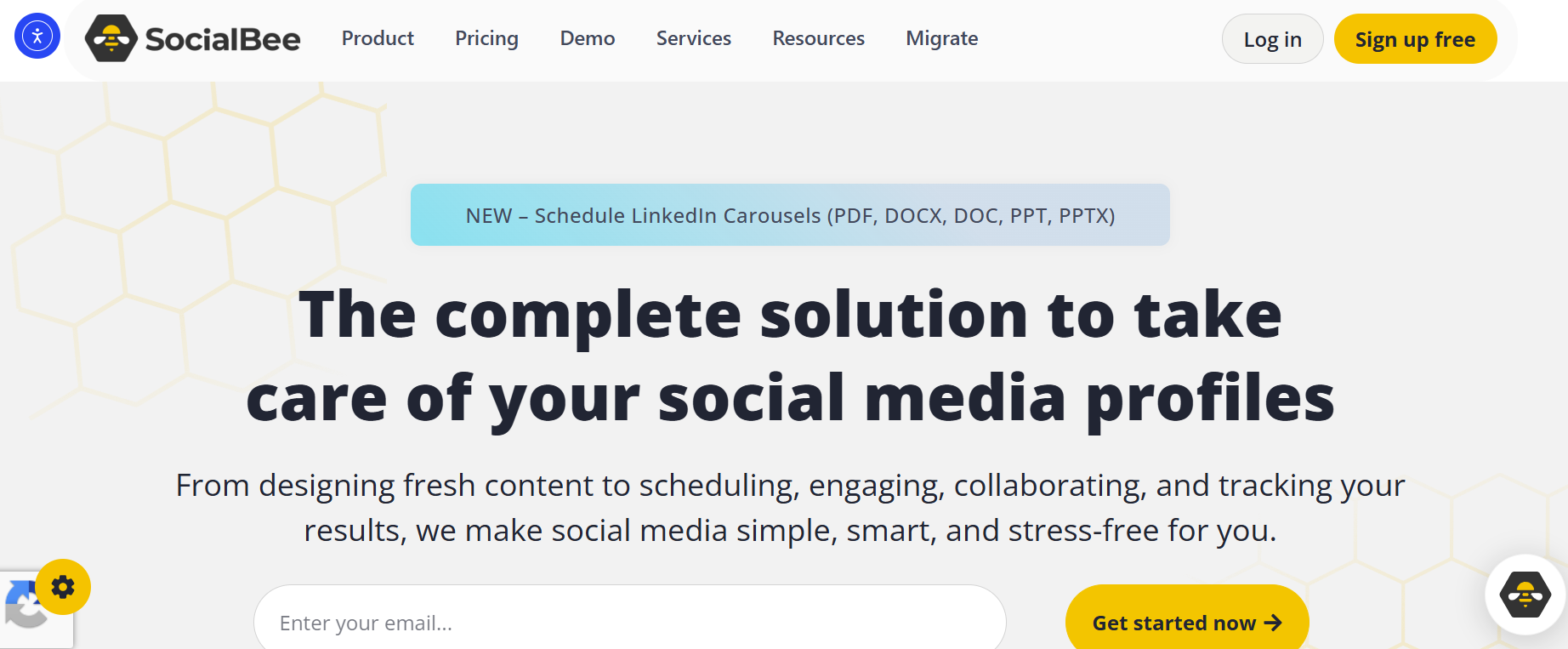
The next tool I have selected for you is SocialBee. As the name suggests, it is a social media management tool. With this tool, you can schedule your posts and save a lot of time.
When it Launched
This tool has been in the market since 2016 and has been providing excellent services to its users.
Advantages
With the help of SocialBee, you can easily automate your YouTube workflow. You can schedule your posts for specific days of the week when there is a higher chance of viewer engagement. This helps automate your YouTube channel effectively.
Drawbacks
In my opinion, it can be a bit complex, and you may need to spend some time in the beginning to fully understand how it works.
Price Guide
It also offers a free version, and later you can access its advanced features by paying around $19 per month.
9. Epidemic Sound
Epidemic Sound is another tool similar to Suno AI that allows you to add music to your voice.
When it Launched
It is a very old platform, launched in 2009, and now has a large base of trusted customers.
Advantages
Adding high-quality music can significantly enhance your video content and make automation more effective. By mixing a good voice with the right music, you can create engaging video content that helps your YouTube channel grow and rank better.
Drawbacks
No free version available for its users.
Price Guide
It does not offer a free version, and you can use it by paying around $15 per month.
10. CapCut
Finally, the last tool I have selected for you is CapCut. It is a very popular video editing tool that allows you to edit your videos and improve your content quality.
When it was launched:
It was launched around the end of 2020 and has now become one of the most popular tools in the world.
Advantages
I believe that just creating a video is not enough—good editing can make it truly outstanding and help with YouTube automation.
Drawbacks
Its advanced features are somewhat limited, and sometimes you may need to rely on Pro features to fully edit your videos.
Price Guide
It does offer a free version, but it is quite limited. Later, you can upgrade by paying around $7 to $10 per month to access more features.
Conclusion
I believe there is no harm in using AI tools. They make your videos more attractive and allow you to produce more content in less time.
As we know, in the coming years, even more people will be starting YouTube channels, which means competition will increase significantly. It is essential to create highly creative video content, and using these AI tools becomes indispensable for achieving that.