Razer Blade 15 Gaming Laptop Review: A Stylish, High-Performance Gaming Laptop
+
Table of Contents
- 1 Razer Blade 15 Gaming Laptop Table of Specifications (One-Word Version)
- 1.1 Design: Elegant, Premium, And Familiar
- 1.2 Display: Excellent Refresh Rates And Graphics
- 1.3 Inside Powerhouse: Performance
- 1.4 Trackpad And Keyboard: Responsive And Comfortable
- 1.5 The Battery Life Is Solid, But Not Particularly Remarkable
- 1.6 Killer E3100 2.5 GB Ethernet Port
- 1.7 Cooling: Maintaining Cool Under Pressure
- 1.8 Sound Quality: Immersion Audio
- 1.9 FAQs
The Razer Blade 15 Gaming Laptop has been the best choice for gamers and power users alike because of its sleek design, powerful performance, and high build quality. Read on.
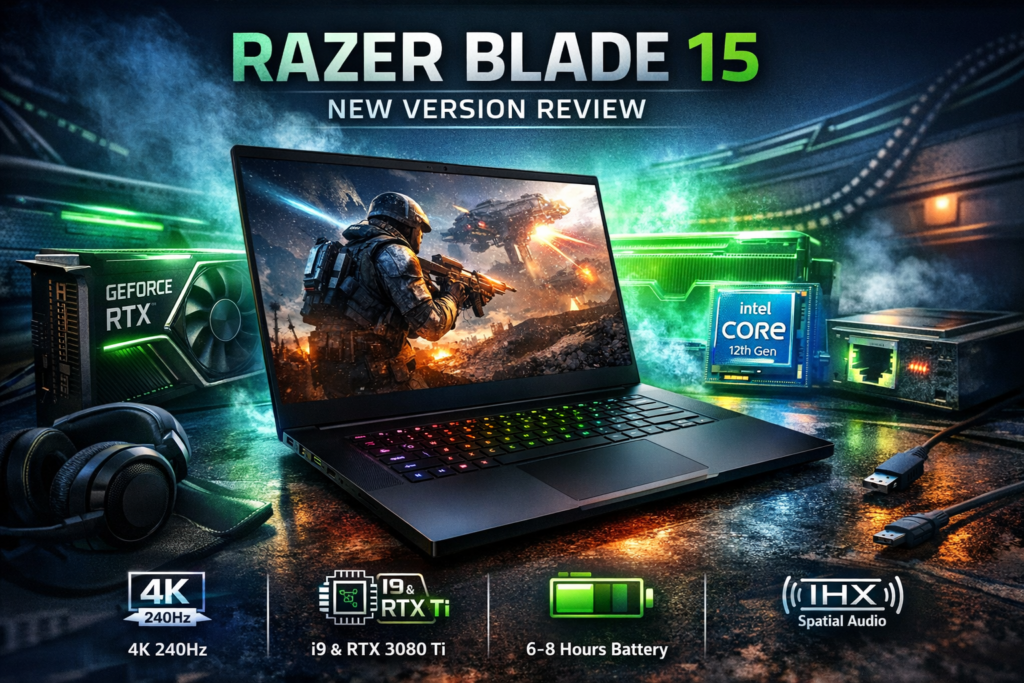
With the New Version edition, the Razer Blade 15 Gaming Laptop Review keeps pushing the Blade series to new heights with a gorgeous gaming laptop loaded with innovative technologies. It comes with some noticeable improvements to make it competitive in the fast-changing realm of gaming laptops, even while it still carries the luxury features that have distinguished the series.
Design, performance, display, battery life, and more will be broken down in this review of the Razer Blade 15 (New Version) into numerous significant categories, clarifying why it continues to be a top competitor in the gaming laptop market.
Razer Blade 15 Gaming Laptop Table of Specifications (One-Word Version)
| Specs | Details |
| Display | 15.6-inch, 1080p/4K, 240Hz/144Hz |
| Processor | Intel Core i7/i9 (12th Gen) |
| Graphics | NVIDIA RTX 3060/3070/3080 Ti |
| RAM | 16GB/32GB |
| Storage | 1TB/2TB SSD |
| Battery | 6-8 hours |
| Keyboard | RGB Chroma |
| Ports | USB-A, USB-C, HDMI, Ethernet |
| Cooling | Vapor Chamber |
| Audio | Stereo, THX Spatial Audio |
Design: Elegant, Premium, And Familiar
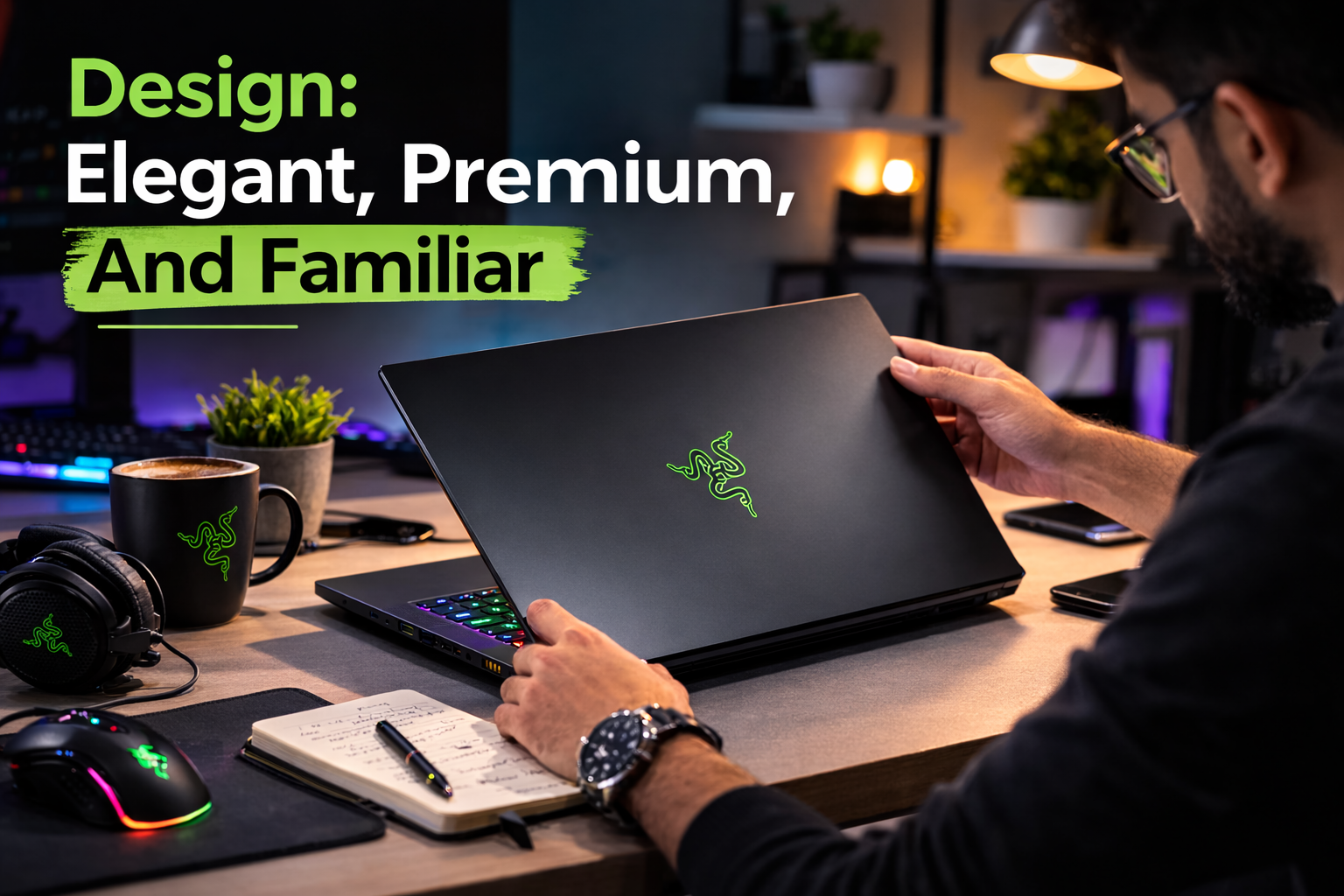
One of the first things you’ll notice about the Razer Blade 15 Gaming Laptop is that it looks very high-end. Razer has kept the unique aluminium chassis that has come to define the Blade line and given it a clean, simple look. The matte black finish doesn’t show fingerprints and provides the laptop with a high-end look without being too shiny.
Razer Blade 15 Gaming Laptop is a gaming laptop that stays small. At only 0.67 inches (1.7 cm) thick and 4.4 pounds (2 kg) heavy, it’s lighter and smaller than many of its competitors, making it easier to carry around. Even though it’s bigger than an ultrabook, the size is still portable for people who need a speed machine with a thin design.
Display: Excellent Refresh Rates And Graphics
The Razer Blade 15 (New Version) keeps its tradition of never lowering the quality of its screens by offering a 15.6-inch Full HD (1920×1080) or 4K (3840×2160) screen. You can choose between a 144Hz or 240Hz refresh rate depending on your needs. A 144Hz refresh rate will give you a higher-resolution screen.
Players are especially interested in the 240Hz option because it makes fast-paced games run very smoothly. This makes it great for competitive gaming, where every millisecond counts. The 4K OLED display choice gives you amazing colour accuracy and depth, making it perfect for creative workers who use their laptops for more than just editing photos or videos.
You can’t go wrong with either Full HD or 4K. Both TVs have great contrast, bright colours, and deep blacks. The Blade 15 (New Version) screen is great for all kinds of tasks, like watching videos, playing games, and working on creative projects.
Inside Powerhouse: Performance
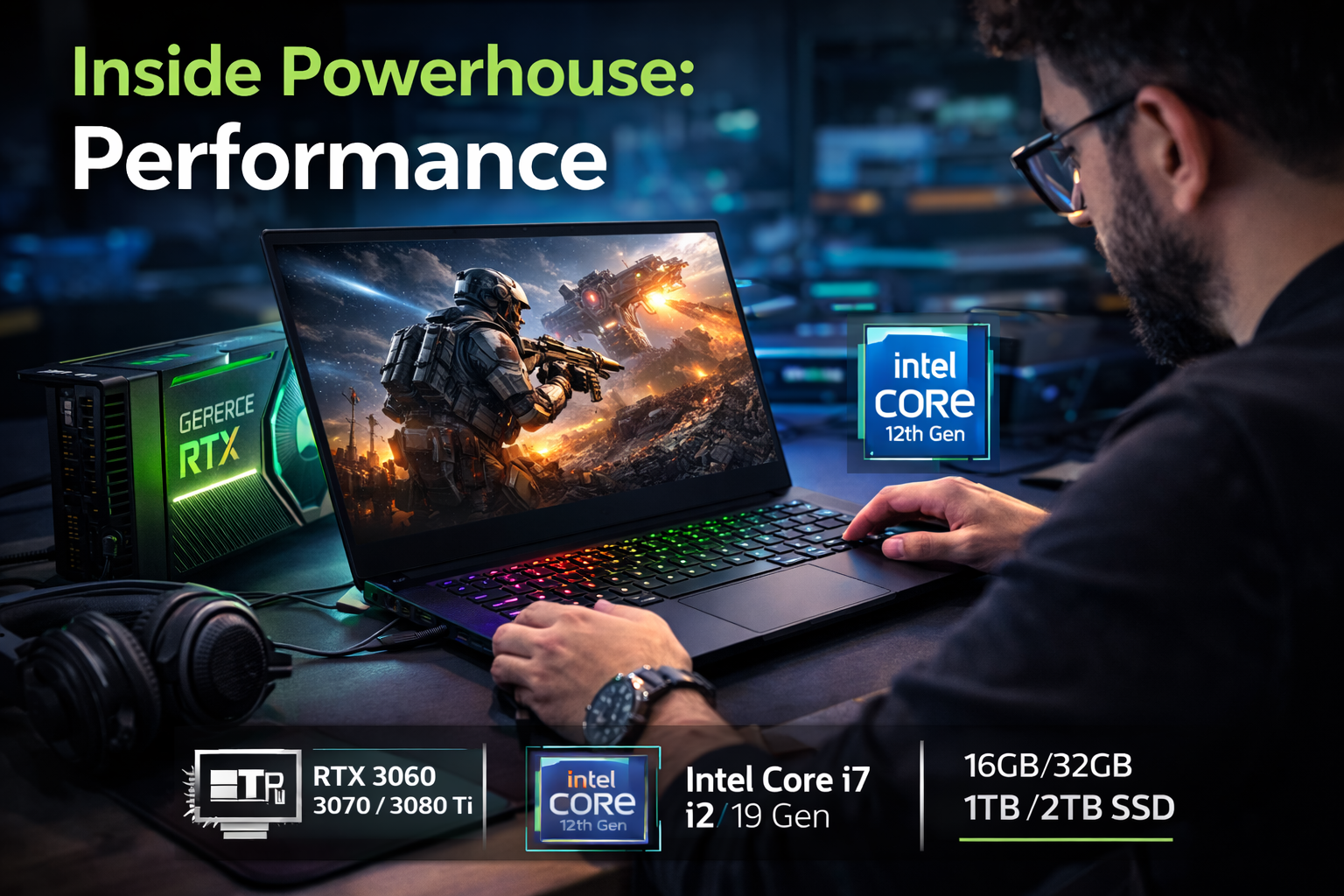
Razer Blade 15 Gaming Laptop runs very quickly thanks to its NVIDIA GeForce RTX 30-series graphics cards and Intel’s 12th-generation Core i7 or Core i9 processors. This laptop has the power for gamers and content makers to handle the hardest tasks, with options for RTX 3060, RTX 3070, or RTX 3080 Ti.
It’s easy to use the Blade 15 (New Version) whether you’re playing AAA games on high levels, making photorealistic movies, or using high-performance programs. When you pair a powerful CPU with a high-end graphics card, you can play even the most highly demanding games without any problems at the highest settings. The RTX 3080 Ti has the most power and the best speed for people who need neither. The Blade 15 promises quick start times and responsiveness, and with up to 32 GB of RAM and 1 TB or 2 TB SSD options, it has enough space for games, movies, and other large files.
Trackpad And Keyboard: Responsive And Comfortable
Razer usually makes game gear with a full-size keyboard that has RGB Chroma lights. The Blade 15 (New Version) is no different. Key movement is comfortable for typing and playing games when the key spacing is right. With RGB lighting that can be customised, users can change the colours of the keyboard to create a unique and engaging experience.
The big, quick keyboard makes it easy to switch between tasks and get things done. Some gaming laptops might not have the best trackpads for games, but most people find them more than adequate for everyday tasks and normal use.
The Battery Life Is Solid, But Not Particularly Remarkable
Razer Blade 15 Gaming Laptop’s battery life changes from time to time. Due to its high-end technology, such as a powerful graphics card and a high-refresh-rate display, you shouldn’t expect the longest battery life for daily use. Still, it lasts a good six to eight hours of standard use, which includes browsing the web, streaming movies, and getting work done. Heavy gaming will drain the battery much faster, so you’ll need to stay linked to get the most out of it. Like most gaming computers, this one works best when the charger is close by for tasks that use a lot of power or when playing games.
Killer E3100 2.5 GB Ethernet Port
The addition of Thunderbolt 4 is especially important because it allows for fast data transfers, compatibility with external GPUs, and even the ability to connect a 4K monitor with a high refresh rate. The HDMI 2.1 plug is another important addition that lets you connect to screens and TVs that are already out there. It supports 4K at 120 Hz and 8K at 60 Hz. With Wi-Fi 6 compatibility, you can be sure of fast and reliable wireless internet access. Gamers who want a trustworthy and low-latency internet connection will love the Killer E3100 Ethernet port.
Cooling: Maintaining Cool Under Pressure
As with the Razer Blade 15 Gaming Laptop, Razer’s advanced Vapour Chamber cooling technology is still in use. This cooling system gets rid of heat well, so the laptop stays cool even when you’re working hard or playing games for long periods of time. When not being used much, the fans are pretty quiet. But when you’re gaming or doing rendering work, they can get pretty loud. Even so, this happens a lot with high-end game computers.
Sound Quality: Immersion Audio
Razer Blade 15 Gaming Laptop has good sound quality thanks to its two speakers that have been set up to deliver clear, realistic sound. While sound quality isn’t usually a strong point of game laptops, the Blade 15 really shines in this region. The speakers are loud enough that you don’t need extra headphones or speakers to watch movies or play games. It works especially well for games, and you can pair it with Razer’s own THX Spatial Audio for an even better sound experience that makes the surround sound experience much better.
FAQs
What is the Razer Blade 15 Gaming Laptop?
One of the best solutions for gamers and content creators since the Razer Blade 15 (New Version) is well-known for its elegant and premium design, high-performance technology, and amazing display choices.
How long does the Razer Blade 15 (New Version) battery last?
With normal use, the Razer Blade 15 (New Version)’s battery life ranges from 6 to 8 hours, but it may drain more quickly during vigorous gaming or resource-intensive work.
Does the Razer Blade 15 (New Version) value the price?
If you are searching for a high-performance gaming laptop with a luxury design, strong specs, and great display options, the Razer Blade 15 (New Version) is well worth the price. On the pricey side, though, it’s best suited for pros or gamers needing top-notch performance.