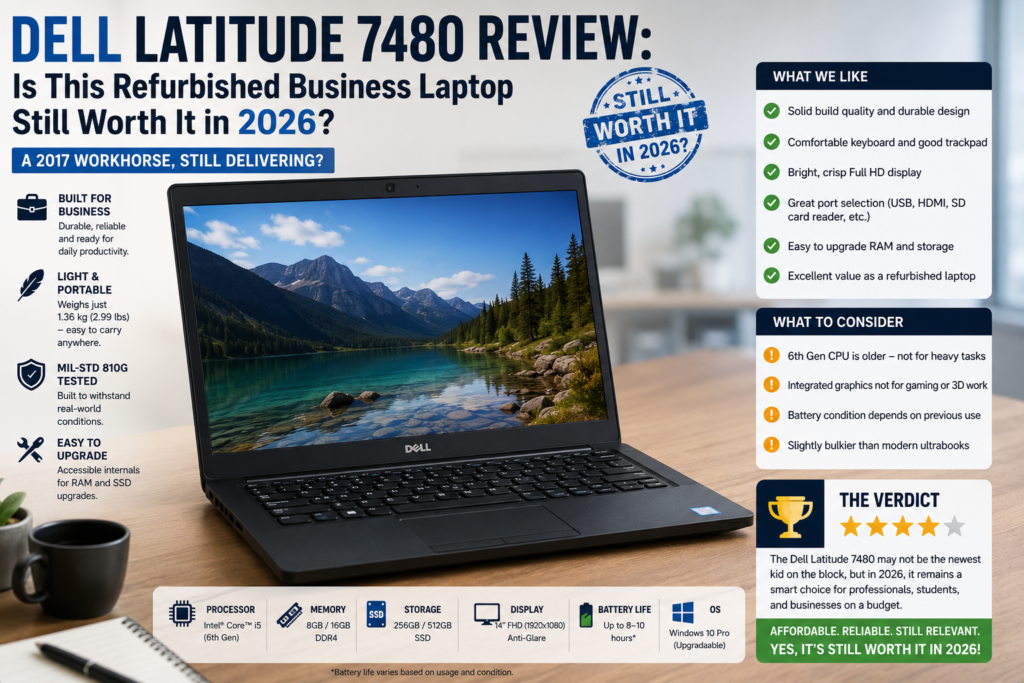
Dell Latitude 7480 Review: Is This Refurbished Business Laptop Still Worth It in 2026?
+
Table of Contents
- 1 Quick Verdict for Dell Latitude 7480
- 1.1 Rating: 7.5/10
- 2 Specifications of Dell Latitude 7480
- 2.1 Design & Build Quality
- 2.2 Display Choices, FHD Is The One To Buy
- 2.3 Performance
- 2.4 Battery Life
- 2.5 Keyboard, Trackpad & TrackPoint
- 2.6 Ports & Connectivity
- 2.7 Pros and Cons of Dell Latitude 7480
- 2.8 Dell Latitude 7480 vs ThinkPad T470 vs HP EliteBook 840 G4
- 2.9 Dell Latitude 7480 vs 7490: Should You Upgrade?
- 3 Final Verdict
I recently bought a refurbished Dell Latitude 7480 for less than $200, no press unit, no sponsorship, just a used laptop from an online listing.
During the following weeks, I made it my main work machine: writing, Zoom calls, research, spreadsheets, the whole routine. What I realized was a 2017 business laptop that, in fact, could hold up quite well even in 2026. The construction is still of good quality, the FHD IPS screen is still nice, and after upgrading the RAM and SSD a bit, the performance is really good. However, there are several drawbacks that you should be aware of if you decide to get one. Here is my detailed review.
Quick Verdict for Dell Latitude 7480
Rating: 7.5/10
Good for: Students, remote workers, and budget-conscious buyers who need a reliable daily driver for Office apps, browsing, video calls, and light development — especially at under $250.
Not ideal for: Anyone needing Windows 11 fully supported out of the box, creative professionals doing video or photo work, or users expecting more than 5–6 hours from an aged battery without a replacement cell.
Specifications of Dell Latitude 7480
| Component | Details |
| CPU | Intel Core i5-7300U / i7-7600U (7th Gen) |
| GPU | Intel HD Graphics 620 (integrated) |
| RAM | 8GB or 16GB DDR4 (up to 32GB across 2 SODIMM slots) |
| Storage | 256GB or 512GB M.2 SSD (SATA or NVMe, depending on config) |
| Display | 14″ HD (1366×768) / FHD (1920×1080) / QHD Touch (2560×1440) |
| Battery | 60Wh (up to 13 hours claimed) |
| Weight | ~1.36 kg (3 lbs) |
| Ports | Thunderbolt 3, USB-C, 2x USB-A 3.0, HDMI, SD card reader |
| Wireless | Intel 8265 Wi-Fi AC, Bluetooth 4.2 |
| OS | Ships with Windows 10 Pro (refurbished units vary) |
Design & Build Quality
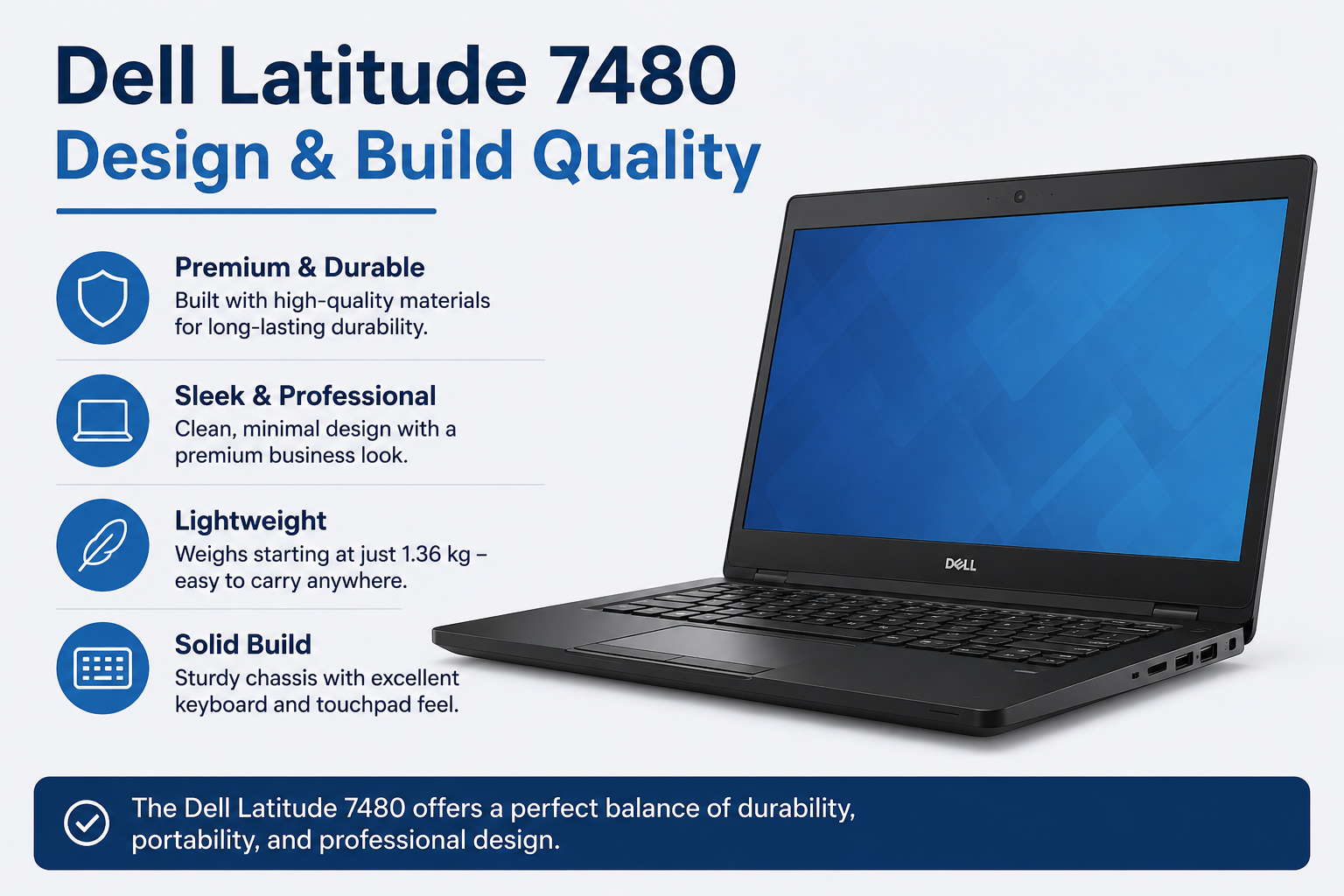
In your hand, a Latitude 7480 feels very solid right off the bat. The semi-unibody metal and carbon fiber design results in a construction that doesn’t bend at all. The lid, the keyboard surface, everything is so firm that this laptop already feels years ahead of many brand-new models in today’s market. Although it has only a thickness of 17mm, you can hardly feel its weight even when carrying it for a whole day, and the matte coating is so effective in hiding fingerprints that it works better than most. This laptop has nothing on it that would make someone say it’s “old”.
Display Choices, FHD Is The One To Buy
You can choose from three display options in total. Do not buy the HD (1366×768); it has been kept merely to satisfy the entry-level corporate large-quantity purchase market, and indeed, from a visual standpoint, it is not good at all. The FHD IPS display is the one that offers the best bang for your buck: it boasts decent brightness, color accuracy, and very wide viewing angles. The QHD touchscreen is a wonderful display, but it is also very demanding on the battery, and these models also tend to be priced higher than their used counterparts, which makes it difficult to justify buying one.
Performance
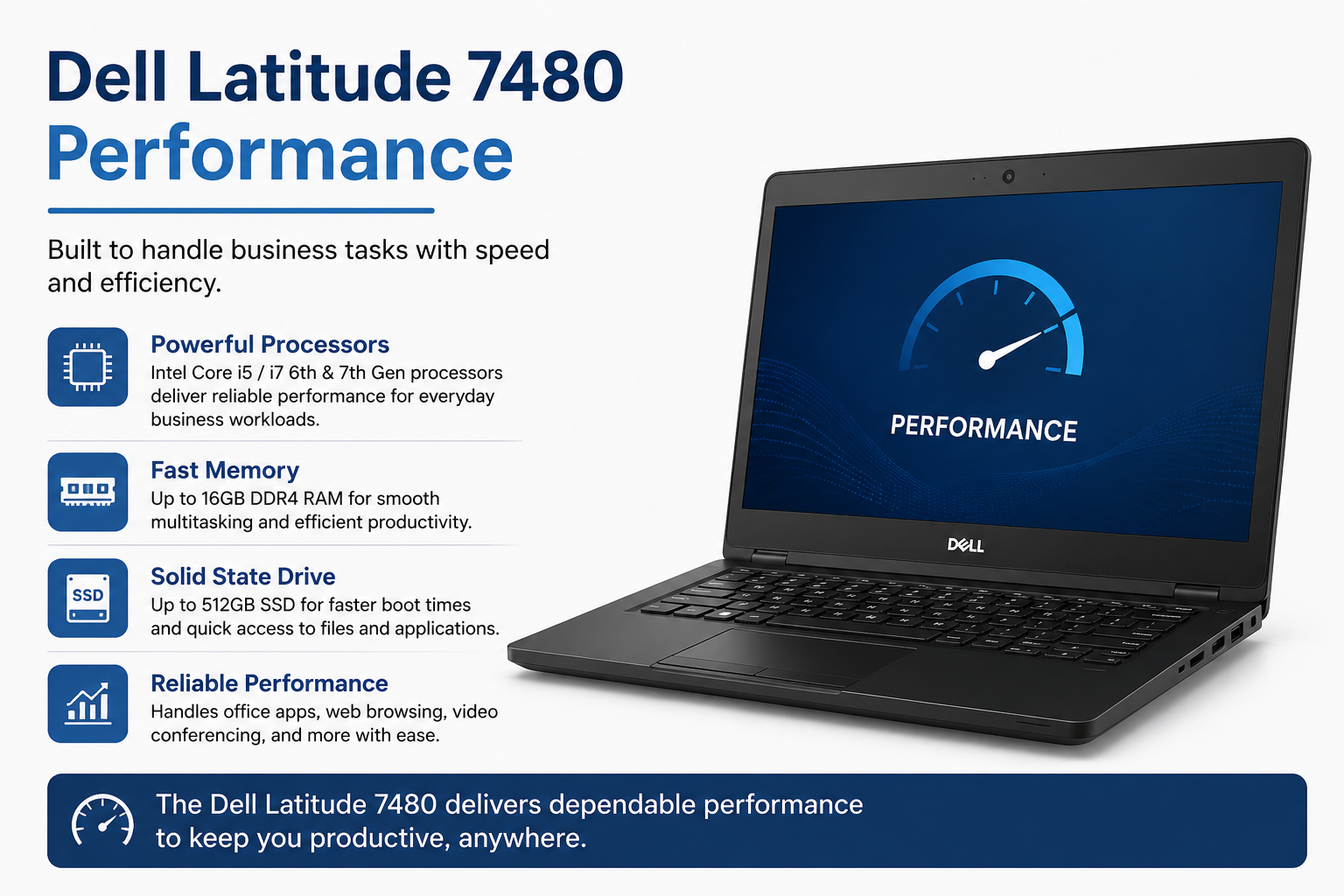
This is why we need to rethink our standards. The 7th Gen Intel Core processors simply cannot be considered fast by today’s measures. However, the Latitude 7480 will not balk at the kind of work people generally rely on a business laptop for, running Office programs, having multiple browser tabs open, working with PDFs, making video calls, doing some photo editing, and so on.
For instance, I was running 15 Chrome tabs, Slack, and Google Docs all at the same time, and it didn’t even get warm.
Its weakest points are power-intensive or creative tasks: editing videos, working with huge spreadsheets, running virtual machines, etc. You’re going to notice the difference after a while. Besides, since there is no dedicated graphics card, you shouldn’t really even consider them.
Battery Life
The marketing literature points to a battery life of as much as 13 hours. Actually, according to the freshly unwrapped unit, real-world numbers were about 8-10 hours of mixed use. I guess you won’t be surprised by the bit that nobody really tells you: in the case of a refurbished device, battery capacity declines with time. To be honest, a second-hand one will typically give you 4-6 hours, depending on how many charging cycles the first user has done.
Ask the seller for battery health info or check it yourself within the return period before deciding to buy.
Keyboard, Trackpad & TrackPoint
Dell nailed it with the keyboard on the 7480. It offers more key travel than typical ultrabooks, the layout is intuitive, and the keyboard is so comfortable you can use it all day without feeling tired. The trackpad is pleasant and precise. And if you are a ThinkPad user, there’s a TrackPoint in the center of the keyboard. Although it is not as polished as Lenovo’s version, it is there, and it functions well. As a business laptop, the input experience actually stands up.
Ports & Connectivity
Good port selection is definitely one of the underrated features of this laptop. Thunderbolt 3 allows you to connect an external GPU, two 4K monitors, or a docking station with a single cable. Two USB-A 3.0 ports help you use regular peripherals without dongles. HDMI and an SD card slot also add to the picture. Even in 2026, a port configuration like this is still better than that of lots of ultrabooks, which mostly only have two USB-C ports.
Pros and Cons of Dell Latitude 7480
| Pros | Cons |
| Manufactured from rock-solid aluminium with a premium feel. | Avoid using a 7th Gen CPU on heavy workloads. |
| Superb FHD IPS display and great viewing angles. | Not officially supported for Windows 11 |
| The Thunderbolt 3 is used for docking stations and dual 4K monitors. | If you have an older refurb unit, the battery degrades — please check before purchase. |
| It can be upgraded to 32 GB of RAM and an NVMe SSD. | No dedicated GPU – no gaming abilities. |
| Excellent keyboard and trackpad for extended periods of typing | The HD panel option actually seems terrible; stay away from it. |
| Out-of-the-box support for great Linux compatibility. | The Wi-Fi card is getting old — perhaps it needs to be updated to support faster speeds? |
| Lightweight, easy for all-day carry at 1.36kg. | QHD touch configs have a premium price tag for used, which is hard to justify. |
Dell Latitude 7480 vs ThinkPad T470 vs HP EliteBook 840 G4
The three models are solid choices in the same type of used market category. The ThinkPad T470 slightly wins for keyboard comfort. Lenovo’s keyboards still lead the pack in business laptops, and it has a greater selection of RAM/battery combinations to choose from. The HP EliteBook 840 G4 is a tad less expensive but does not have Thunderbolt 3, which is a consideration if you desire docking station flexibility. The Latitude 7480 is the best in terms of display quality (the FHD IPS panel is the best of the three), build quality, and port versatility.
Also Read- Is Kaspersky Safe to Use? Here’s What I Found After 3 Weeks
Dell Latitude 7480 vs 7490: Should You Upgrade?
The 7490 came out with 8th Gen Intel processors that are significantly faster (about 20-30% better multi-core performance). It’s also more energy efficient and has slightly better thermal management. Usually, on the second-hand market, a spotless 7480 versus 7490 price difference is around $50-100. If you come across a 7490 at that price difference, it’s a good idea to pay. Should the differential be bigger, then buying the 7480 at the right price is still a wise decision.
Final Verdict
Seven years old, yet still relevant. The Dell Latitude 7480 is a demonstration of how enterprise-grade build quality really pays off with time. The FHD IPS display continues to be nice, the keyboard is truly very comfortable, Thunderbolt 3 allows for future flexibility, and with a RAM and SSD upgrade, it still runs smoothly. In fact, battery degradation is one of the wild cards that you cannot completely control. If you check it before buying, you’ll most probably be satisfied.
FAQs
Q: Can the Dell Latitude 7480 run Windows 11?
Officially, it is not recommended; 7th Gen Intel CPUs are not present in Microsoft’s list of compatible processors. However, many users have installed it through a registry modification without encountering any problems.
Q: How much RAM can the Dell Latitude 7480 support?
The maximum RAM capacity is 32GB DDR4 through two SODIMM slots. Increasing from 8GB to 16GB is straightforward and makes a significant difference in multitasking.
Q: Is the Dell Latitude 7480 good for students?
Yes, it is light, robust, has decent battery life (battery health will be important), and is capable of handling all student work without any problem. Make sure you get the FHD display model.
Q: What’s a fair price for a used Dell Latitude 7480 in 2026?
$150, 200 for an i5/8GB/FHD unit in a very good state. $220, 280 for an i7/16GB setup. Prices north of $300 would be considered overpricing, given the availability of alternatives.