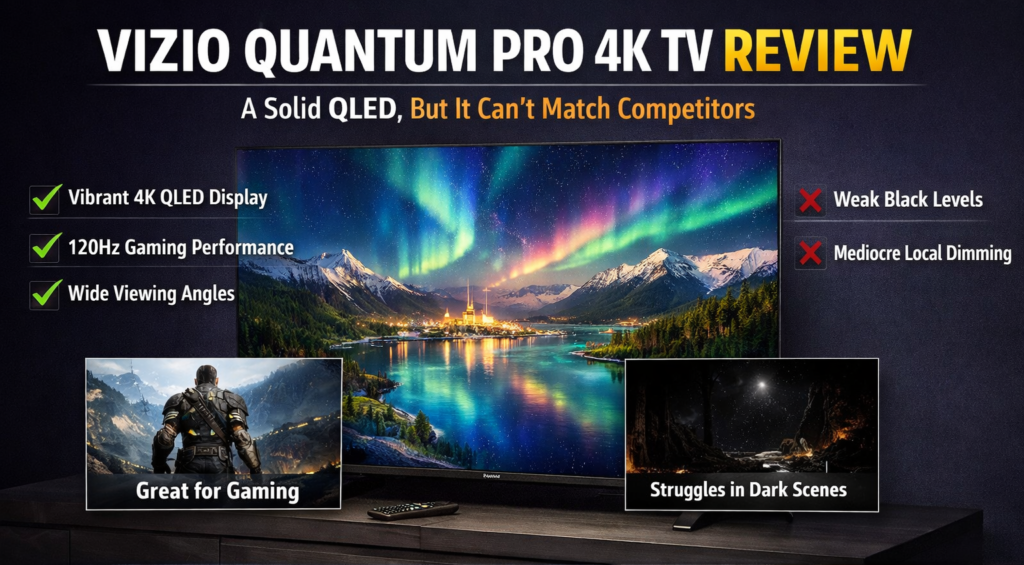
Vizio Quantum Pro 4K TV Review: A Solid QLED, But It Can’t Match Competitors
+
Table of Contents
In Short
- The Vizio Quantum Pro 4K TV offers a vivid image and a larger color spectrum.
- Lacks the deep blacks and better local dimming of rivals like Hisense and TCL.
- Excellent off-axis viewing and fair motion response qualify it for bright settings.
Are you thinking about getting the Vizio Quantum Pro 4K TV? It works really well, has a bright screen, and supports more colors. But how does it stack up against other devices in the same class? Even though the Quantum Pro has some great features, it has to deal with tough competition from brands like Hisense and TCL. If we want to know if this QLED TV is worth buying, let’s look at its features and how well it works.
Vizio Quantum Pro 4K TV specification table in a copy-friendly format:
| Specification | Details |
| 4K 120Hz & Full HD 240Hz | 120Hz & 240Hz |
| Smart TV | Yes |
| Quantum Color | Yes |
| AMD FreeSync Premium Pro | Yes |
| Full Array Backlight | Yes |
| Up to 1000 Nits Peak Brightness | 1000 Nits |
| WiFi 6E Tri-Band | Tri-Band |
| Active Full Array | Yes |
| IQ Ultra+ Processor | Yes |
| Wide Viewing Angle + Anti-Reflective Film | Wide Angle, Anti-Reflective |
| Bluetooth Capable | Yes |
| Dolby Vision HDR/HDR10+ | Yes |
| VIZIO Voice Remote | Yes |
| QuickFit™ Compatible | Yes |
| VIZIO Account required | Yes |
Building And Setting Up The Vizio Quantum Pro 4K TV
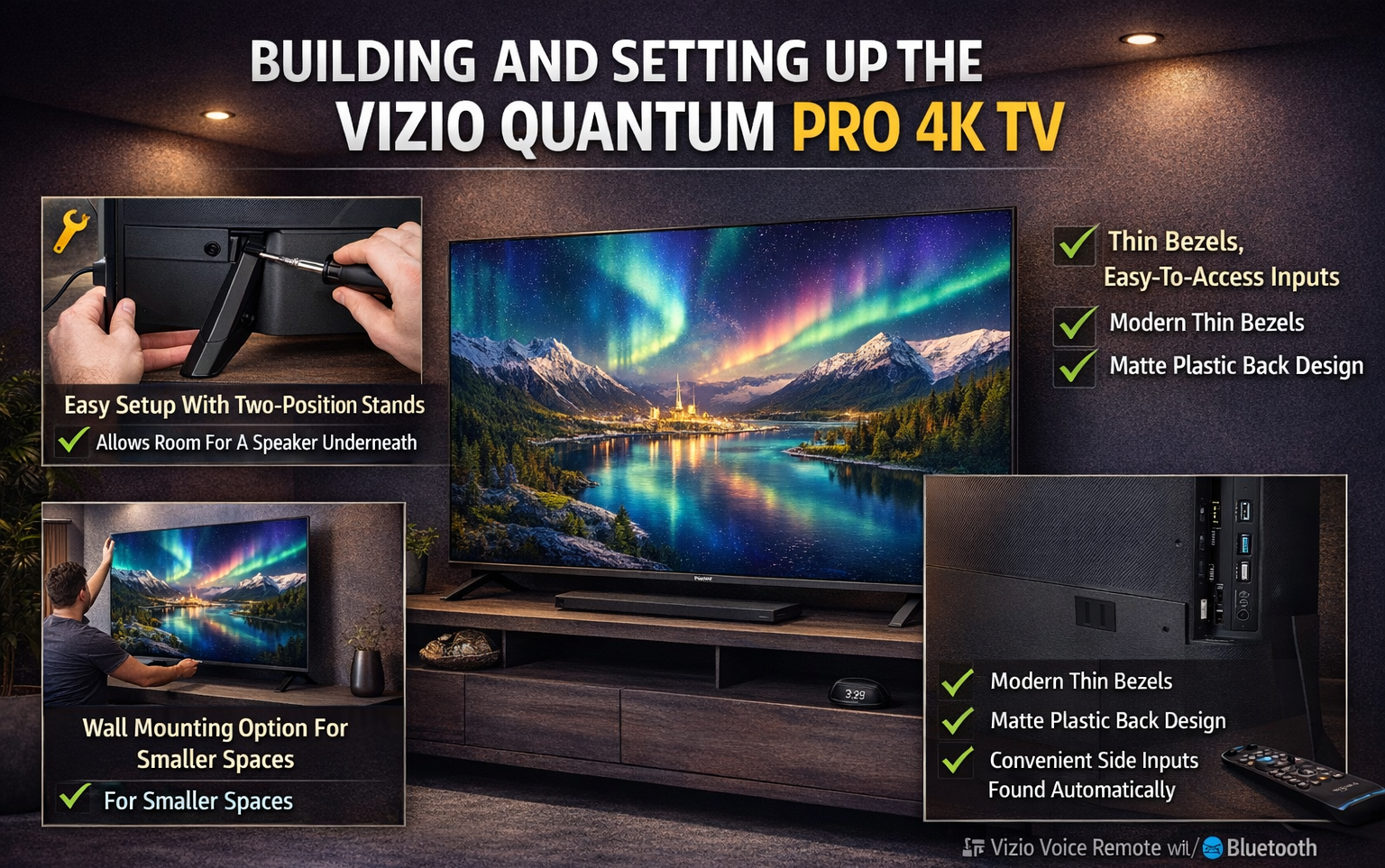
It’s effortless to set up the Vizio Quantum Pro 4K TV. With the two-position stands that come with the screen, you can raise it so that a speaker can be put under it. The stands are pretty far apart (about 50 inches (1.27 m) for the 65-inch type), so make sure your TV stand has enough space. Consider wall-mounting the TV for smaller spaces.
The screen has thin black edges that make it look clean and modern, and the back is made of plain matte plastic. When you turn on the TV, it instantly finds connected devices and walks you through the setup process. The inputs are on the right side for your convenience.
The voice control that is built in is a nice bonus that makes the remote even easier to use. There is only one brand of TV that will work well right out of the box, and that is Vizio. Their easy-to-use design makes it simple to change settings like the green mode.
Quality Of The Picture: Clear, But No Blacks
The quantum-dot technology in the Vizio Quantum Pro 4K TV lets it create a vivid HDR performance with outstanding color support. Because it gives off bright highlights and a bigger range of colors, it works best in rooms with lots of natural light. When you watch fast-moving content like games and sports, the 120Hz refresh rate makes sure that the motion is handled smoothly.
But having black levels is a big problem. In contrast to competitors like the Hisense U7K and the TCL Q7, the Quantum Pro has trouble with contrast and deep blacks. It blooms around bright things on dark backgrounds because the local dimming isn’t forceful. This is made clear by the use of letterbox bars in dark movies like “Harry Potter” and other movies.
The Quantum Pro works best in places with lots of light, but it’s not as good when the lights are off. Because there is no contrast, the general picture depth and richness are affected. This makes it less immersive than other models.
The Android Os For Smart Tvs Is Simple But Not Very Useful!
The Home OS (formerly SmartCast) from Vizio has come a long way, but it’s still not as good as Google TV or Roku. The simple remote makes it easy to get to apps, linked devices, and voice search. Outdated and annoying shows are often pushed by the Watch Free+ TV choice, which is a shame. You can change the style, but there are too many ideas that don’t add anything.
One big problem is that it doesn’t handle both Google Assistant and Alexa at the same time. Compared to those of other companies, Vizio’s voice assistant features are less useful because they require an extra gadget.
The Good And Bad Things About The Game’s Parts
The Vizio Quantum Pro 4K TV does a good job when it comes to games. People who own a PS5 or Xbox Series X can enjoy smooth games because they can use Auto Low Latency Mode (ALLM) and Variable Refresh Rate (VRR). The 120Hz speed rate is suitable for “God of War: Ragnarok” and other fast-paced games.
But there are also some bad things. You can only connect one 4K/120Hz HDMI 2.1 port, so if you want to connect a gaming PC or a number of consoles, you won’t have much room. The highest motion response rate on this TV is 120Hz in 4K, which is weaker than some high-end TVs. It’s too bad there isn’t a dedicated gaming bar, because the settings for gaming are easy to find and change. But the Quantum Pro might not be the best choice for PC users. It will work well for console games, though.
Are You Sure You Want To Buy Vizio Quantum Pro 4K TV?
Because it has a bright and lively picture, the Vizio Quantum Pro 4K TV is a great choice for rooms with a lot of natural light and a lot of viewing angles. But it’s not as excellent as competitors like the Hisense U7K and the TCL Q7, which have better contrast and local fading. It also has terrible black levels. The Quantum Pro might be a good choice for places with lots of light where you’ll be playing games or watching TV for fun, but other models might be better for darker rooms where you’ll be watching something more serious.
The TV’s smart interface and game features work, but they’re not as flexible or easy to use as those on other devices. However, for the same price, you can get a better QLED TV from another brand than the Quantum Pro.
The Bottom Line
Are you interested in a 4K TV that lets you watch movies and play games off-axis? The Vizio Quantum Pro might be a good choice if you want a TV that works well in bright places or for everyday use. In contrast, black levels, or high-end smart features, are most important to you. Hisense and TCL may be the more affordable choices. Before making a choice, think about how you will be watching it and what you need.
Frequently Asked Questions About the Vizio Quantum Pro 4K TV
-
Can I find out how the Vizio Quantum Pro stacks up against other QLED TVs?
Other brands, like TCL and Hisense, have better local blurring and brighter pictures than the Vizio Quantum Pro. It also doesn’t do as well in low-light situations.
-
Is HDMI support possible on the Quantum Pro?
Even though the Vizio Quantum Pro has one HDMI 2.1 port, that port is the only one that can handle 4K/120Hz games. People who own more than one PC or game system might have trouble with this.
-
Can I use the Vizio Quantum Pro to play games?
Because it has AUTO Low Latency Mode and VRR, the Vizio Quantum Pro 4K TV is a fantastic choice for gamers, especially those who like controllers. The only bad thing about it is that it only responds to motion at 120 120Hz at 4K resolution, and it doesn’t have a gaming bar for quick changes.